
Free tools. Real marketing tasks.
Free Marketing Tools for SEO, Social Media & More
Free marketing tools for the jobs on your list: finding keywords, improving a web page, writing a caption, or getting a product listing ready.
Pick what you're working on, open the right tool, and get something useful without starting from scratch. Some tools help you write. Others help you check, organize, or improve what you've already made.
Free to start · No account needed for current public tools · Copy and edit results · Fair use limits apply
Looking for live keyword volumes or rankings? Some data tools are still in development. Working tools and upcoming tools are labeled separately.
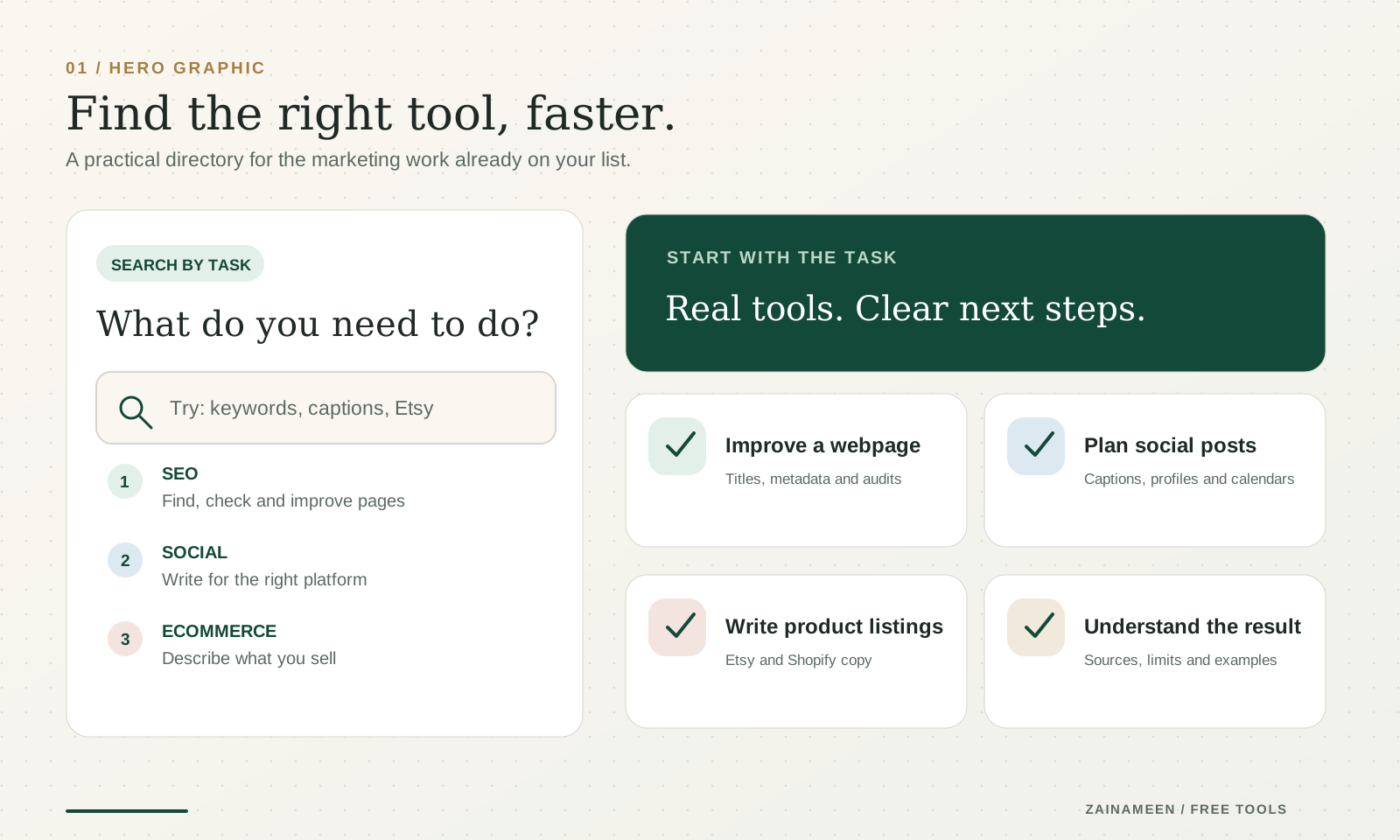
A good place to start
Popular tasks, without the extra tabs
Not sure where to begin? These tools cover the work people come back to most often.
 SEO & Planning · Available now
SEO Title Generator
Write clearer title tags for pages and posts. Preview the wording, check the length, then make it your own.
Create an SEO title- SEO & Planning · Available now
Website Audit Tool
Check a small website for missing tags, technical issues and pages that need attention. Review the findings before making changes.
Audit a website  Social Media · Available now
Instagram Caption Generator
Turn an idea, an image, or a few details into a caption that sounds like something you'd actually post.
Write an Instagram caption LinkedIn · Available now
LinkedIn Post Generator
Start with an experience or an observation. Get a readable post you can edit instead of another corporate sounding draft.
Write a LinkedIn post Ecommerce · Available now
Etsy Title Generator
Describe your product clearly and get listing title ideas without repeating the same keyword five times.
Write an Etsy title Social Media · Available now
Social Media Content Calendar Generator
Plan posts around your actual business, platforms, and available time. Then edit the calendar and export it.
Plan your content
The full toolbox
Find the tool that matches your task
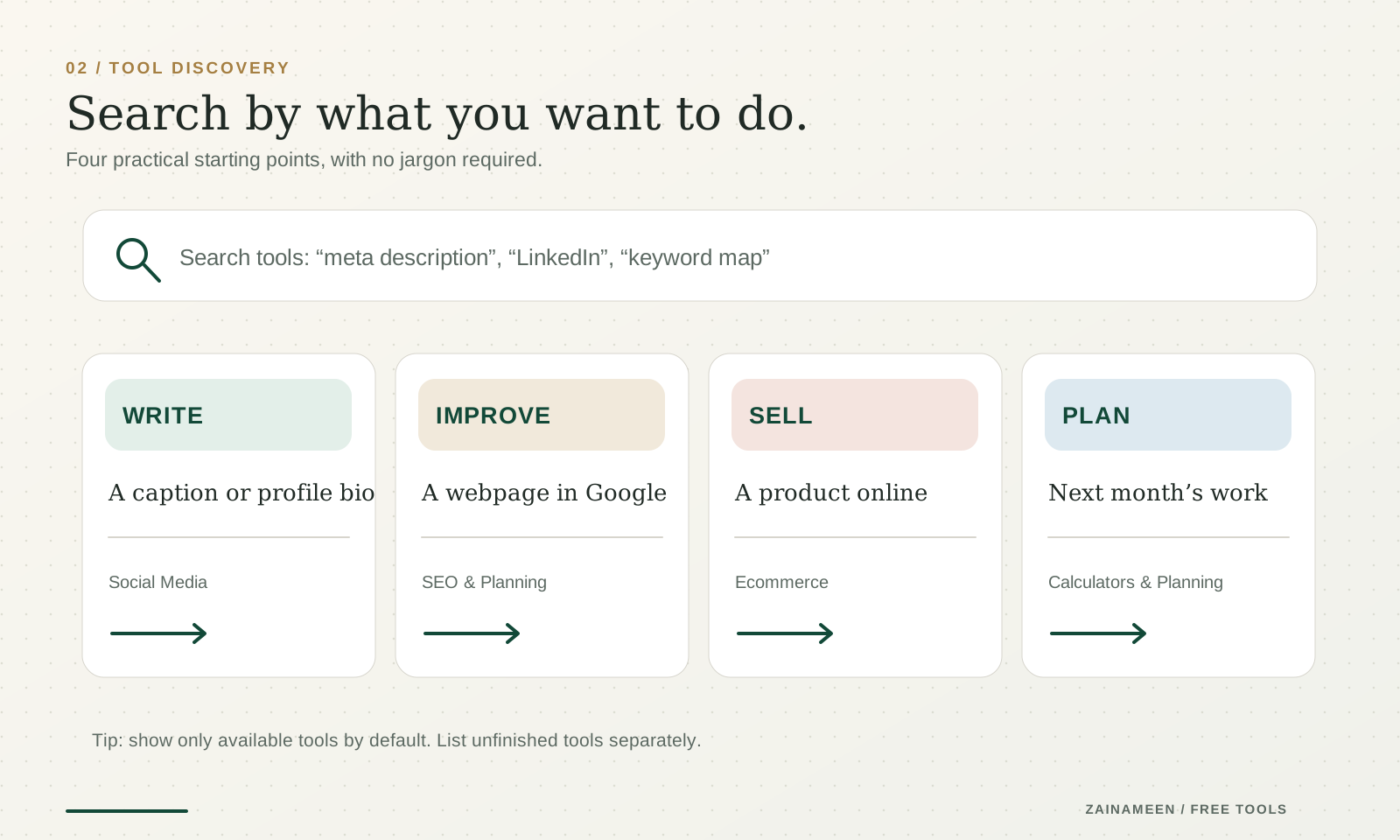
You don't need to know the technical name. Search for what you want to do, or choose a category below.
90 tools available now
Free SEO and planning tools
Page titles, meta descriptions, campaign links and a marketing plan.
 SEO & Planning · Available now
Marketing Plan Generator
Create a practical 30 day marketing plan based on your business, audience, goals, and available time.
Create marketing plan- SEO & Planning · Available now
SEO Title Generator
Write search friendly page titles that reflect your content, target keyword, and search intent.
Write SEO titles  SEO & Planning · Available now
Meta Description Generator
Create concise meta descriptions that summarize your pages and give searchers a reason to visit.
Write meta descriptions SEO & Planning · Available now
UTM Link Builder
Add campaign tracking parameters to your URLs so you can identify where your marketing traffic comes from.
Build tracking link SEO & Planning · Available now
Negative Keyword Generator
Find search terms worth excluding from Google Ads, with match types, reasons and risk levels to review.
Generate negative keywords SEO & Planning · Available now
Search Intent Classifier
Classify keywords by search intent and see which page type fits each one, in one exportable table.
Classify search intent SEO & Planning · Available now
LLMS.txt Generator
Build an llms.txt file for your site in the llmstxt.org format, then copy or download it.
Generate llms.txt SEO & Planning · Available now
SEO Keyword Cluster Generator
Group a keyword list into topics and page types, move keywords around, and export the plan as CSV.
Cluster keywords SEO & Planning · Available now
Robots.txt Tester
Check whether robots.txt lets a crawler request a URL, and see exactly which rule decides it.
Test robots.txt SEO & Planning · Available now
Local Business FAQ Generator
Write a set of website FAQs from your real services and policies, with no invented promises.
Write business FAQs SEO & Planning · Available now
SEO Content Brief Generator
Get a structured SEO content brief with an outline, research questions and the evidence still needed.
Create a brief SEO & Planning · Available now
Robots.txt Generator
Build a clean robots.txt file with allowed and blocked paths, a sitemap line and a plain explanation of each rule.
Generate robots.txt SEO & Planning · Available now
XML Sitemap Validator
Check an XML sitemap for parse errors, duplicate URLs, bad dates and size limits.
Validate a sitemap SEO & Planning · Available now
Local Business Schema Generator
Generate LocalBusiness JSON-LD from your real business details, address and opening hours.
Generate schema SEO & Planning · Available now
XML Sitemap Generator
Turn a list of URLs or a CSV into a valid sitemap.xml, with duplicates and off domain URLs flagged.
Generate a sitemap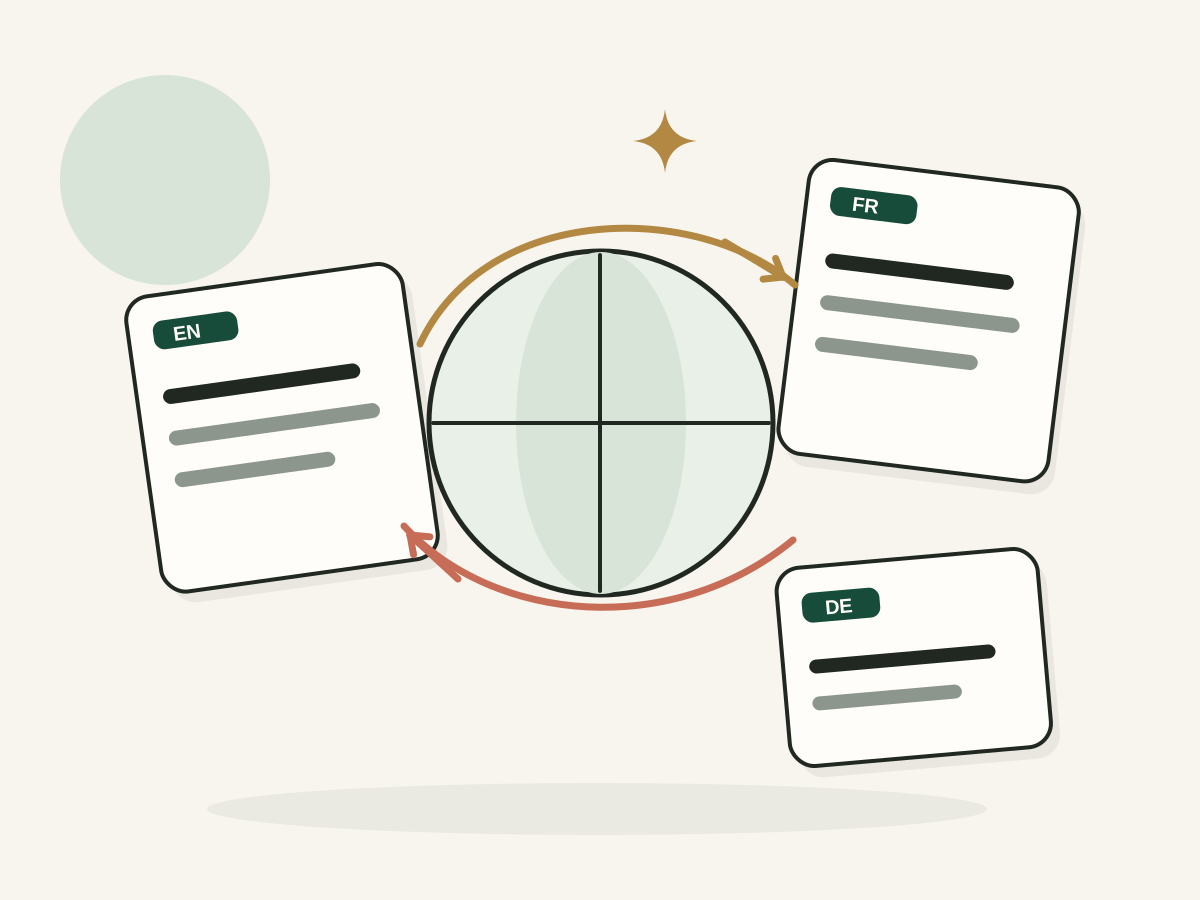 SEO & Planning · Available now
Hreflang Tag Generator
Create reciprocal hreflang tags for your translated pages, with x-default and sitemap export.
Generate hreflang tags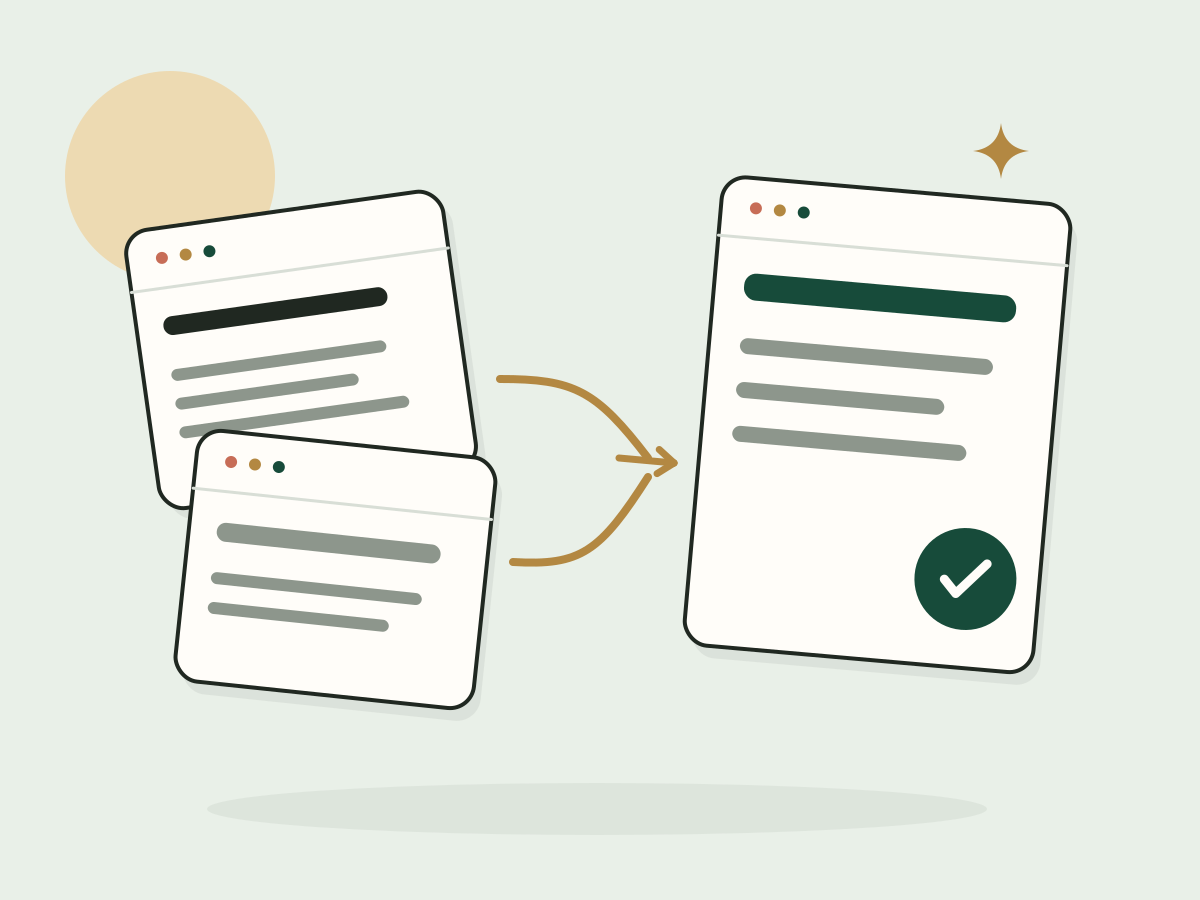 SEO & Planning · Available now
Canonical URL Checker
See a page's canonical tag, where it points and any duplicate or conflicting signals.
Check a canonical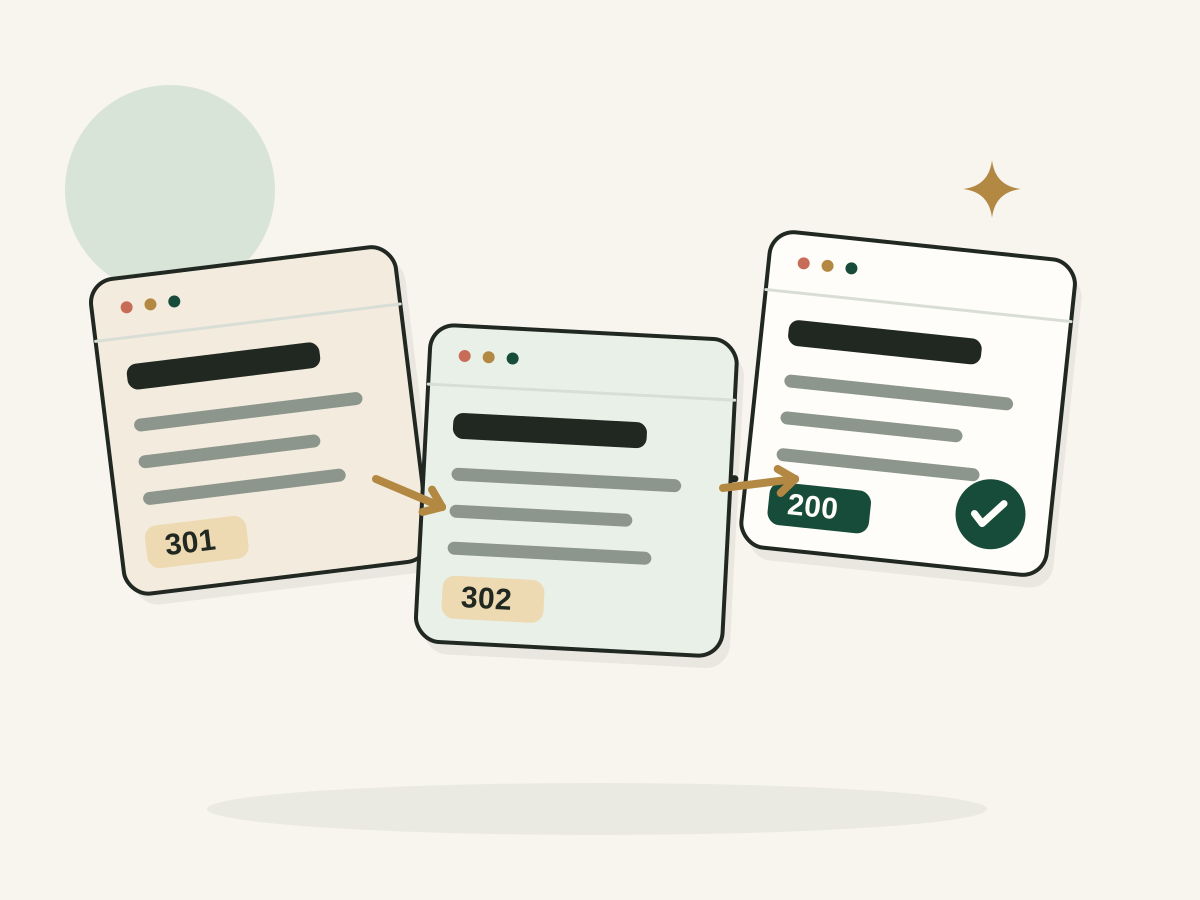 SEO & Planning · Available now
Redirect Chain Checker
Trace every redirect hop to the final URL and spot loops, long chains and broken targets.
Check redirects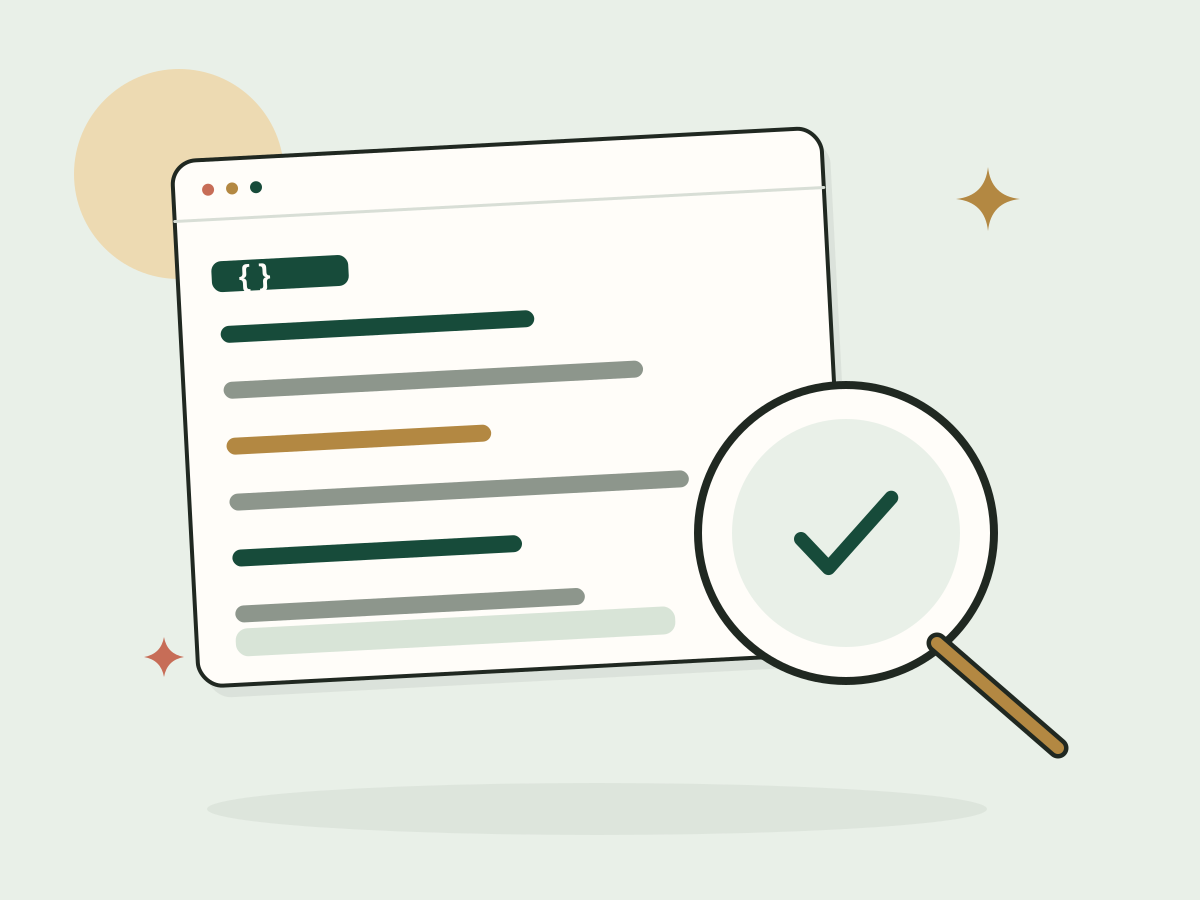 SEO & Planning · Available now
JSON-LD Schema Validator
Check JSON-LD for valid JSON, schema types and common missing fields, right in your browser.
Validate JSON-LD SEO & Planning · Available now
Open Graph Tags Generator
Create Open Graph and X card tags from your real title, description, URL and image.
Generate OG tags SEO & Planning · Available now
Product Schema Generator
Generate Product JSON-LD from your real product details, with no invented ratings or prices.
Generate Product schema SEO & Planning · Available now
Internal Link Opportunity Finder
Find relevant internal link ideas from your page titles and topics, with anchor themes to review.
Find internal links SEO & Planning · Available now
Keyword to Page Mapper
Map keywords to existing or planned pages, with page types and overlap warnings.
Map keywords SEO & Planning · Available now
SEO Content Gap Planner
Compare your topics with audience questions or public competitor titles and get a prioritized gap plan.
Plan content gaps SEO & Planning · Available now
Local Service Page Outline Generator
Plan one useful local service page from your real service, area and process.
Create a page outline SEO & Planning · Available now
Local SEO Keyword Modifier Generator
Combine your services and real locations with local modifiers, grouped and exportable as CSV.
Generate local keyword ideas- SEO & Planning · Available now
Website Metadata Extractor
Pull a page's title, description, canonical, robots and social tags from its HTML.
Extract metadata - SEO & Planning · Available now
Website SEO Checker
Check one page's title, description, headings, canonical and indexing directives, with evidence.
Check a page - SEO & Planning · Available now
Broken Link Checker
Test the links on a page and see which ones fail, with status and anchor text.
Check links - SEO & Planning · Available now
Sitemap URL Status Checker
Test the URLs in your XML sitemap for errors, redirects, noindex and stray canonicals.
Audit a sitemap - SEO & Planning · Available now
Website Audit Tool
Crawl up to 15 pages of a site to find errors, duplicates and missing tags.
Audit a website
Free ecommerce tools
Listing titles and product descriptions that help people buy.
- Ecommerce · Available now
Etsy Title Generator
Create clearer Etsy listing titles that describe your products and use relevant search terms naturally.
Write Etsy titles  Ecommerce · Available now
Product Description Generator
Turn product details into clear, helpful descriptions that explain features, benefits, and important buying information.
Write product descriptions Ecommerce · Available now
Shopify Product Title Generator
Turn product details or a messy supplier title into one clear, accurate Shopify product title.
Write a product title Ecommerce · Available now
Shopify Collection Description Generator
Write one natural Shopify collection description from the products, audience and shopping intent.
Write a description Ecommerce · Available now
Etsy Shop Announcement Generator
Write one clear Etsy shop announcement for a launch, sale, shipping update or important notice.
Write an announcement Ecommerce · Available now
Etsy Shop About Section Generator
Write an honest Etsy About section from your shop story, products and making process.
Write my shop story Ecommerce · Available now
Shopify SKU Generator
Build consistent SKU codes for every variant, check duplicates and export a CSV.
Generate SKUs Ecommerce · Available now
Shopify Abandoned Checkout Email Generator
Draft one honest abandoned checkout email with subject, preview text and a clear button.
Draft a reminder email
Free LinkedIn tools
Headlines, About sections, posts and comments that sound like you.
 LinkedIn · Available now
LinkedIn Headline Generator
Write a LinkedIn headline that communicates your role, expertise, and the value you bring.
Write a headline LinkedIn · Available now
LinkedIn About Section Generator
Turn your experience and achievements into a readable LinkedIn About section that sounds like you.
Write your About section- LinkedIn · Available now
LinkedIn Post Generator
Create LinkedIn posts from your ideas, experiences, or observations without making them sound overly corporate.
Write a post  LinkedIn · Available now
LinkedIn Comment Generator
Write relevant, thoughtful LinkedIn comments that contribute something useful to the conversation.
Write a comment- LinkedIn · Available now
LinkedIn Experience Description Generator
Turn rough job notes into clear LinkedIn experience bullets, without invented metrics.
Write my experience - LinkedIn · Available now
LinkedIn Skills Generator
Find skills for your role and separate the ones you can prove from the ones to learn.
Find my skills
Free business name generators
Names for Etsy shops, Shopify stores and YouTube channels.
 Business Naming · Available now
Etsy Shop Name Generator
Get one Etsy shop name that fits your products and follows Etsy's rules.
Name my shop Business Naming · Available now
Shopify Store Name Generator
Get one Shopify store name, a domain idea to check and a short reason.
Name my store Business Naming · Available now
YouTube Channel Name Generator
Get one YouTube channel name, an @handle idea and a short reason.
Name my channel Business Naming · Available now
Newsletter Name Generator
Get one memorable newsletter name and a short tagline that fit your topic, readers and style.
Name your newsletter Business Naming · Available now
Podcast Name Generator
Get one memorable podcast name and a short tagline that fit your show and listeners.
Name your podcast Business Naming · Available now
Domain Name Ideas Generator
Get one memorable domain idea in the extension you want. Then check availability at a registrar.
Find a domain idea Business Naming · Available now
Instagram Username Generator
Get one readable Instagram handle idea based on your name, niche or business.
Generate a username Business Naming · Available now
TikTok Username Generator
Get one short TikTok handle idea with formatting checks for your content or business.
Generate a username Business Naming · Available now
Business Name Generator
Get one business name with a clear reason behind it, plus how to check names, domains and trademarks.
Name your business Business Naming · Available now
Business Slogan Generator
Get one short business slogan built on your product, audience and strongest benefit.
Write a slogan Business Naming · Available now
Blog Name Generator
Get one blog name and a short description that fit your topic, readers and voice.
Name your blog Business Naming · Available now
SaaS Product Name Generator
Get one brandable SaaS product name from your category, audience and style.
Name your product
Free copywriting tools
Headlines, value propositions, email preheaders and changelog entries, one clear result at a time.
 Copywriting · Available now
Email Preheader Generator
Write one short email preheader that complements your subject line instead of repeating it.
Write a preheader Copywriting · Available now
Website Hero Headline Generator
Write a clear homepage or landing page hero headline and subheading from your offer and audience.
Write hero copy Copywriting · Available now
SaaS Value Proposition Generator
Write one clear SaaS value proposition from your customer, problem, product and differentiator.
Write a value proposition Copywriting · Available now
Changelog Entry Generator
Turn a shipped product change into one clear changelog entry your customers can understand.
Write a changelog entry Copywriting · Available now
Product Hunt Launch Copy Generator
Draft a Product Hunt tagline, description and maker comment from your real product details.
Draft launch copy Copywriting · Available now
Landing Page Copy Generator
Draft one focused landing page: headline, benefits, how it works, proof placeholders and one CTA.
Create landing page copy
Free calculators and utilities
Profit calculators, review links and an llms.txt builder. No AI, all in your browser.
 Calculators & Utilities · Available now
Etsy Offsite Ads Calculator
See your real Etsy profit and break-even price when a sale comes through Offsite Ads at 15% or 12%.
Calculate Offsite Ads fee Calculators & Utilities · Available now
Shopify Profit Margin Calculator
Work out profit, margin, markup and break-even price per order for your Shopify store.
Calculate profit margin Calculators & Utilities · Available now
Google Review Link Generator
Turn your Place ID or review link into a direct Google review link and QR code.
Make my link Calculators & Utilities · Available now
Etsy Fee Calculator
Estimate Etsy listing, transaction, processing and Offsite Ads fees, and see what you keep from each order.
Calculate Etsy fees Calculators & Utilities · Available now
Customer Acquisition Cost Calculator
Work out your customer acquisition cost from marketing and sales spend, with the formula shown.
Calculate CAC Calculators & Utilities · Available now
Break-even ROAS Calculator
Work out the ROAS your ads need to break even, with contribution and allowable ad spend per order.
Calculate break even ROAS Calculators & Utilities · Available now
LTV to CAC Ratio Calculator
Estimate customer lifetime value from margin and churn, and compare it with your acquisition cost.
Calculate LTV:CAC Calculators & Utilities · Available now
MRR Calculator
Calculate MRR from your plans, normalize annual billing and see an annual run rate.
Calculate MRR Calculators & Utilities · Available now
Customer Retention Rate Calculator
Calculate customer retention from start, new and end counts, with the assumptions explained.
Calculate retention Calculators & Utilities · Available now
A/B Test Sample Size Calculator
Estimate visitors needed per variant from baseline rate, MDE, power and confidence.
Estimate sample size
By category
Where to start in each category
Free SEO tools for your website
Start with tasks you can complete today. Write a better page title, check metadata, map keywords to pages, or identify issues on your site.
- SEO Title Generator: Write a descriptive search title for a specific page.
- Meta Description Generator: Draft a clear summary for searchers.
- Website Audit Tool: Check a small set of pages for technical and on page issues.
- Keyword to Page Mapper: Organize target search phrases by URL and intent.
- Internal Link Opportunity Finder: Find relevant connections between your existing pages.
- UTM Link Builder: Create consistent tracking links for campaigns.
Live search volume, rank tracking and SERP tools have different data requirements. If a tool is marked In development, it cannot produce those metrics yet.
See all SEO & Planning toolsFree social media tools
A bio, caption, or posting plan should match the platform and what you're trying to say. Choose the right generator, add your own details, and edit the result before you post.
- Instagram Bio Generator: Introduce yourself or your business.
- Facebook Bio Generator: Write a personal or business Page bio.
- TikTok Bio Generator: Create a short, useful TikTok intro.
- Facebook Caption Generator: Draft captions for everyday posts, promotions, and updates.
- Pinterest Description Generator: Explain what a Pin is about in natural language.
- Social Media Content Calendar Generator: Turn scattered ideas into a plan.
Free ecommerce tools
Better product listings start with accurate details. Make it easier for shoppers to understand what you're selling, whether that's an Etsy product or a Shopify collection.
- Etsy Title Generator: Write concise, relevant listing titles.
- Product Description Generator: Turn real product features into readable copy.
- Shopify Product Title Generator: Clean up vague supplier titles.
- Shopify Collection Description Generator: Describe a collection with useful shopping context.
- Etsy Shop Announcement Generator: Explain an update without writing a long message.
Free LinkedIn tools
Your profile and posts should sound like you, not a template everybody else is using. Start with your experience, your work, and the point you actually want to make.
- LinkedIn Headline Generator: Explain your role and focus.
- LinkedIn About Section Generator: Write a professional introduction using real experience.
- LinkedIn Post Generator: Turn observations into posts.
- LinkedIn Comment Generator: Contribute something useful to a conversation.
Business naming and writing tools
Need a name, a headline, a small piece of copy, or a better starting point for a launch? Pick the task, then check that the result fits your brand and is available to use.
- Etsy Shop Name Generator: Name a shop that can grow with your craft.
- YouTube Channel Name Generator: Find a channel name and handle ideas.
- Business Name Generator: Name a new business.
- Business Slogan Generator: Write a short line people remember.
Calculators and practical utilities
Not every marketing problem needs AI. Sometimes you just need a consistent link, a clear number, or a quick calculation with its assumptions explained.
- UTM Link Builder: Build consistent campaign links.
- MRR Calculator: Work out monthly recurring revenue.
- LTV to CAC Ratio Calculator: Compare customer value with acquisition cost.
- A/B Test Sample Size Calculator: See how many visitors a test needs.
Start with the job, not the jargon
Four small workflows that actually make sense
- 1
I'm publishing a new website page
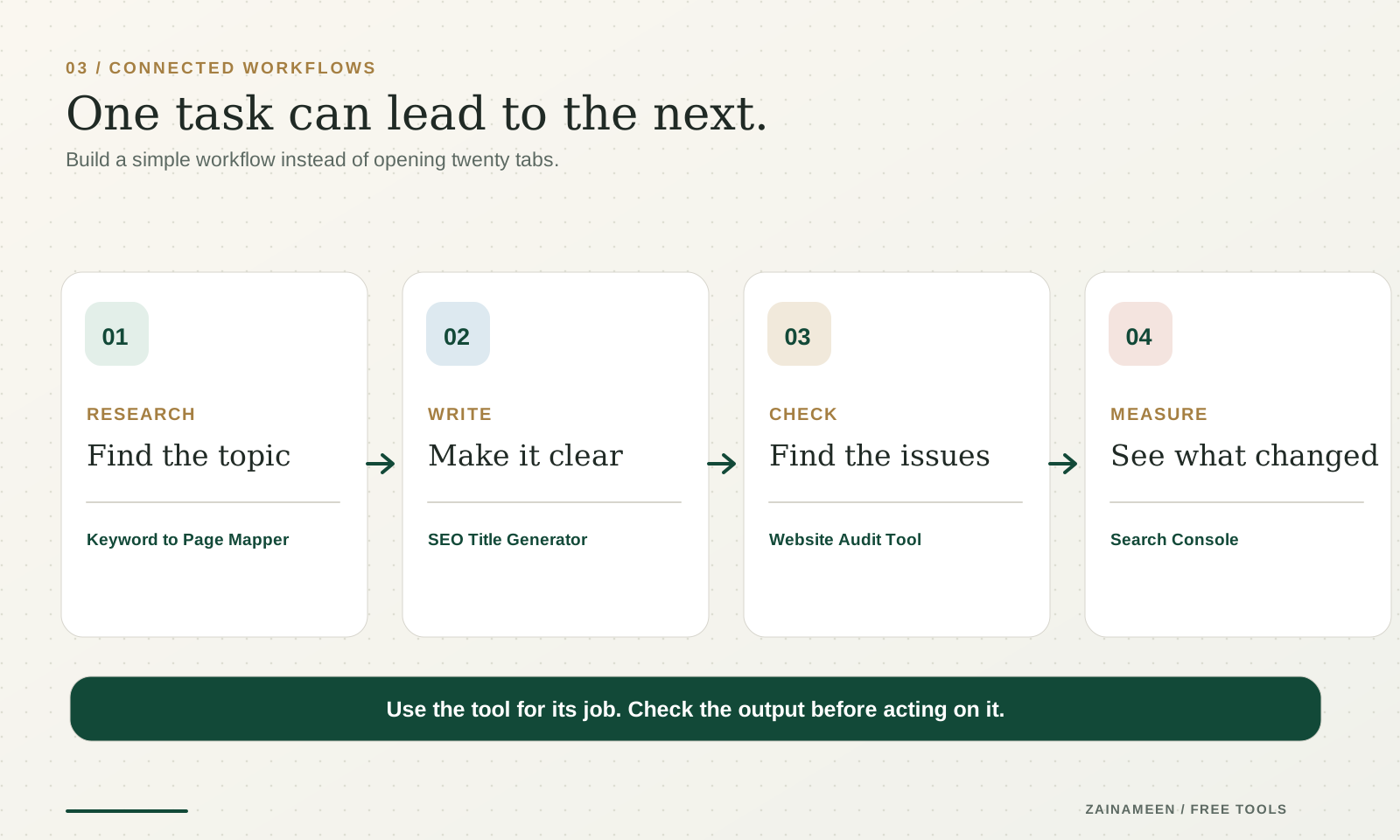
Start with: SEO Title GeneratorThen: Meta Description GeneratorNext: Website Audit Tool
A page needs a clear title and description, but those are only part of the work. Check how the page is structured, make sure the content answers its main question, and confirm that important links work.
Start with an SEO title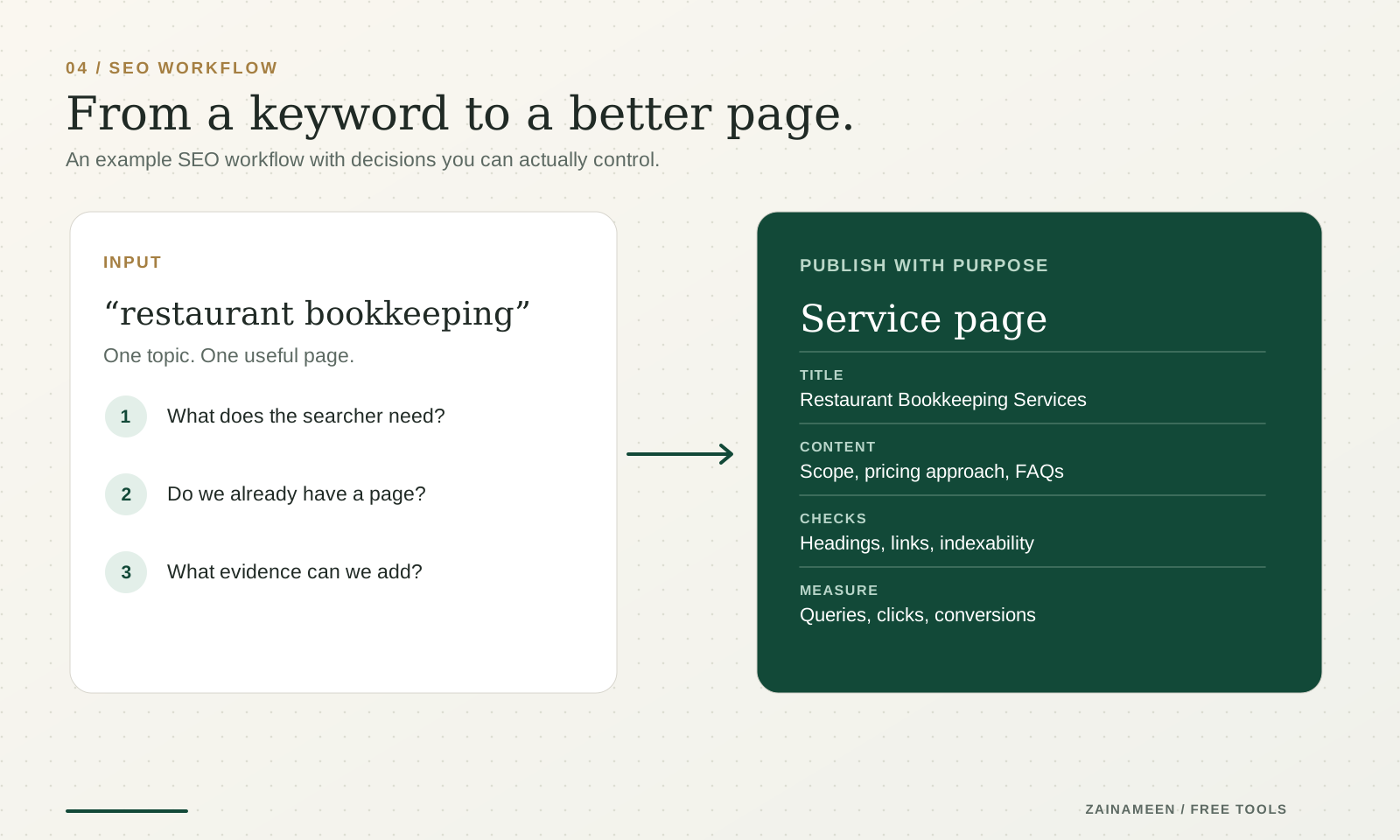
- 2
I have a keyword list but don't know what to publish
Start with: Keyword to Page MapperThen: SEO Content Gap PlannerNext: Internal Link Opportunity Finder
Put similar search intents together, identify pages you already have, and decide which topics deserve their own page. Don't create several near identical articles just because the keywords are slightly different.
Map your keywords - 3
I need to post more consistently
Start with: Social Media Content Calendar GeneratorThen: Instagram Caption GeneratorNext: UTM Link Builder
Make a manageable plan first. Use the writing tools to draft individual posts (the LinkedIn Post Generator works too), then edit them to match what actually happened. Add a UTM link when you're sharing a tracked campaign link.
Build a content calendar - 4
I'm improving an online store
Start with: Etsy Title GeneratorThen: Shopify Product Title GeneratorNext: Product Description Generator
Start with a clear title, then the description. Then review your product photos, variants, shipping details and policies. The copy matters, but it must describe the actual product. Don't add materials, sizes, delivery promises, or benefits you can't support.
Write a product title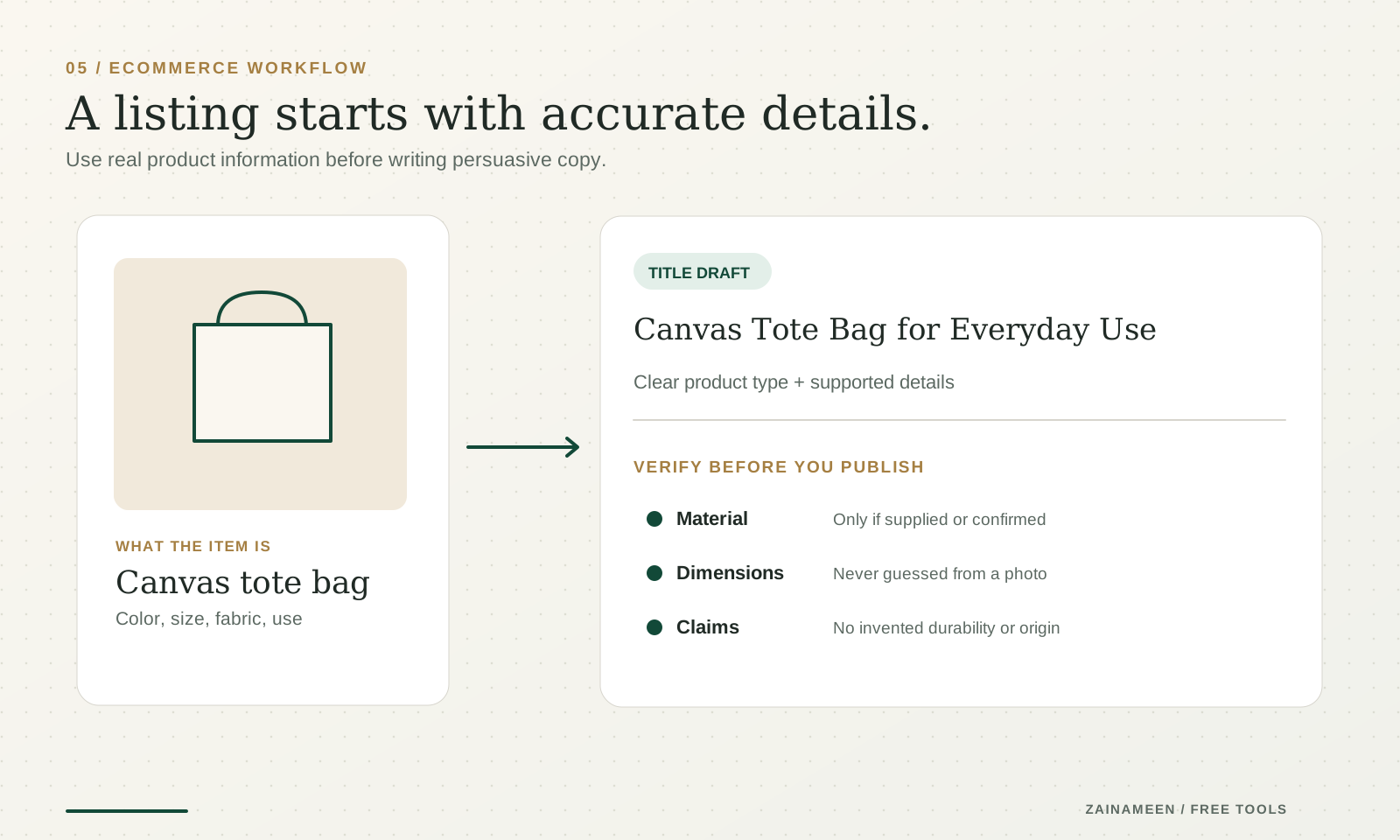
Good to know
Free SEO tools, AI generators and utilities aren't all the same
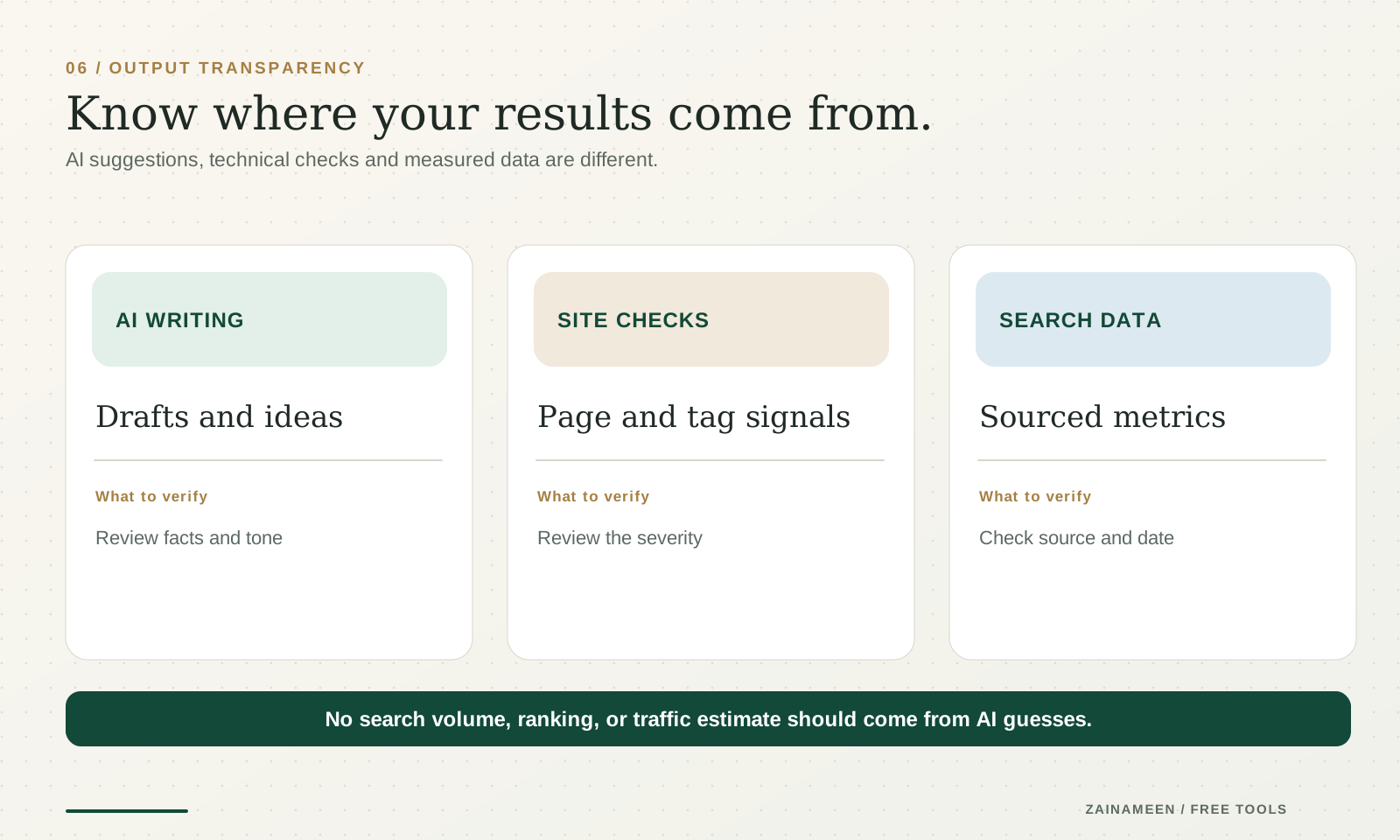
A writing generator uses the information you provide to make a draft. A checker tests something specific. A keyword data tool needs a real search data source. Mixing those up can give you confident looking numbers that aren't real.
- AI writing tools
Drafts and ideas
Use these when you need a starting point for a bio, caption, headline, description, outline, or plan.
They're best when you include real context. Review the draft for accuracy, tone, platform rules, and details that might have been guessed.
- SEO checkers and utilities
Page and tag signals
Use these when you want to inspect a webpage, review tags, organize keywords, generate structured information, or build links with consistent tracking parameters.
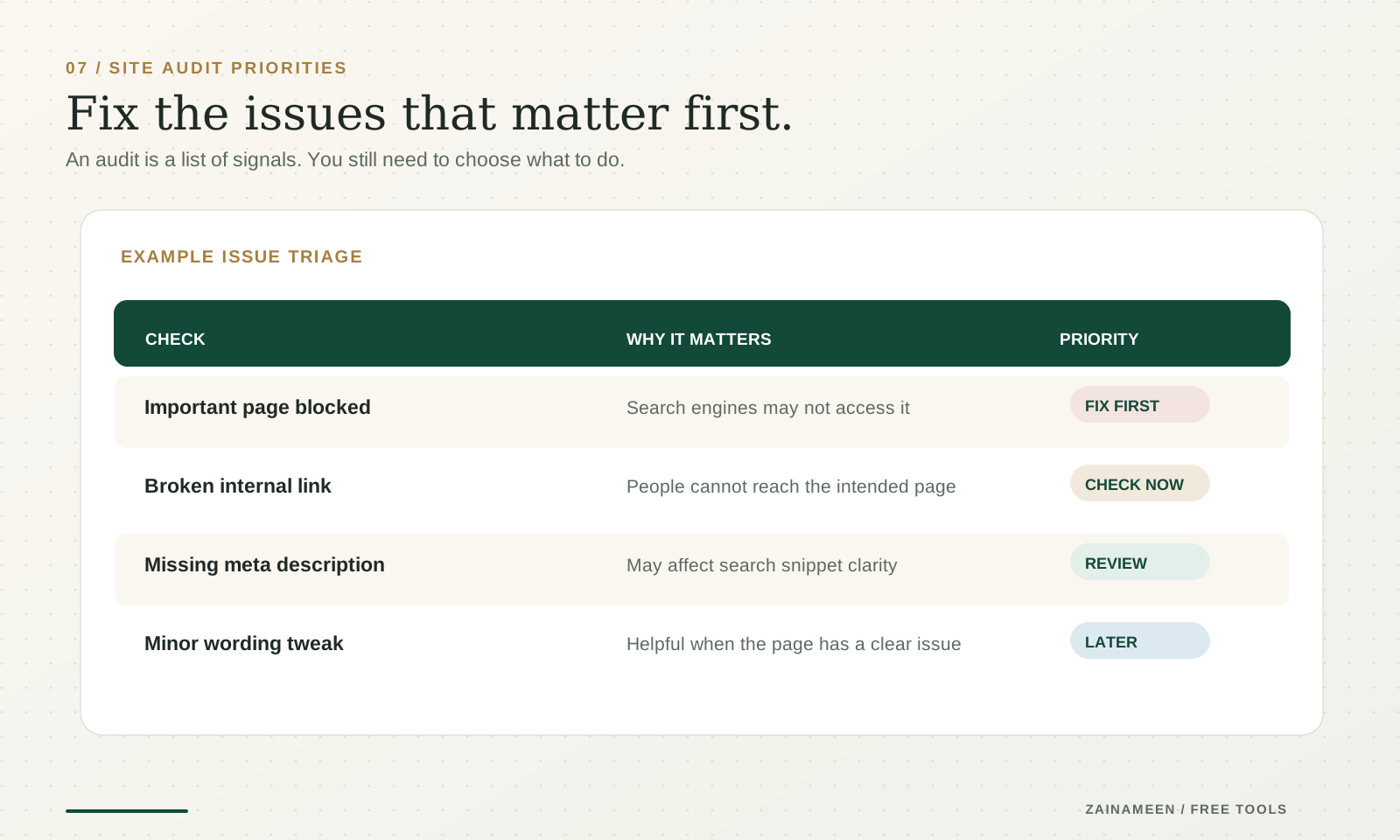
A checker can flag an issue without deciding whether it matters to your business. Review its finding before changing your site.
- Search data tools
Sourced metrics
Search volumes, rankings, backlinks, and competitor traffic estimates require actual datasets or API access. AI generated prose is not a substitute for measured data.
If a feature is still being built, we label it that way instead of displaying made up metrics.
The basics, without the overwhelm
How to use free SEO tools when you're starting from zero
You don't need a huge SEO stack to make progress. Start with a few checks you can understand and repeat.
1 Decide what the page is meant to do
Is it answering a question, describing a service, or helping someone compare products? That decision should guide the page title, structure, and content.
2 Choose one main topic
A page can answer related questions, but it still needs a clear purpose. Use the Keyword to Page Mapper when a long keyword list starts turning into duplicate article ideas.
3 Write a readable search title and description
Tell people what they will find. Avoid keyword lists pretending to be headlines. Try the SEO Title Generator and Meta Description Generator as drafts, not automated ranking fixes.
4 Check the page itself
Look for missing or conflicting tags, broken links, confusing headings, and navigation issues. The Website Audit Tool is a practical starting point, not a replacement for a full technical audit.
5 Improve the page, then measure
Publish useful content, fix meaningful issues, and use Google Search Console to see how your own verified website performs in Search. Don't treat a tool's score as the outcome. Traffic, relevant visits, and conversions matter more.
Built for real work
Pick a starting point that fits what you do
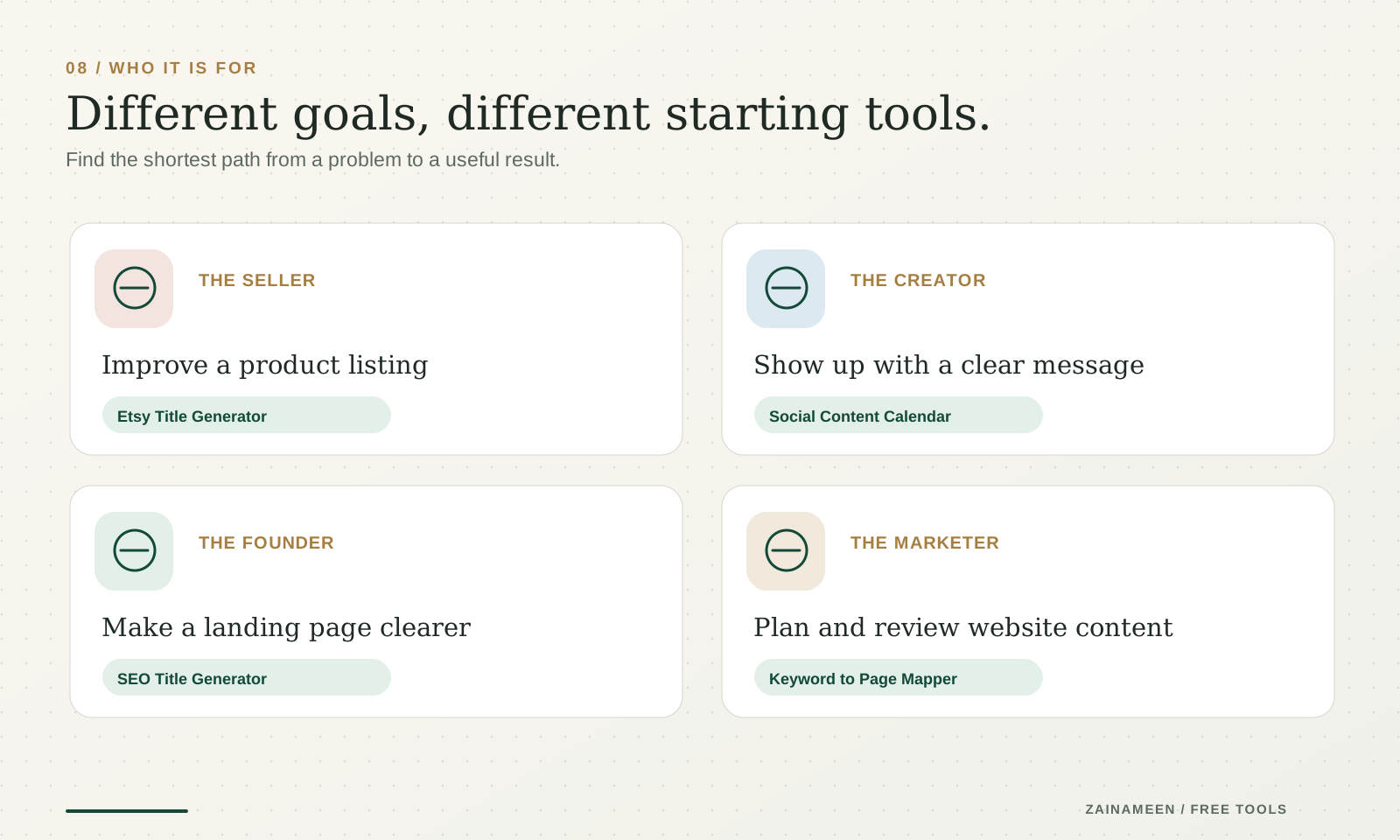
Small business owner
Clean up service pages, write customer facing copy, and make a manageable posting plan.
Start with: SEO Title Generator, Facebook Caption Generator, Marketing Plan Generator
Creator or freelancer
Write a clearer bio, shape posts around your actual experiences, and keep your message consistent across platforms.
Start with: LinkedIn Headline Generator, TikTok Bio Generator, Social Media Content Calendar Generator
Ecommerce seller
Improve product titles and descriptions, and check the claims your listing makes.
Start with: Etsy Title Generator, Shopify Product Title Generator
SEO specialist or marketer
Organize search intent, review page metadata, and work through site issues.
Start with: Keyword to Page Mapper, Internal Link Opportunity Finder, Website Audit Tool
SaaS founder
Explain the product more clearly, build a content plan from real customer problems, and track campaigns consistently.
Start with: Marketing Plan Generator, SEO Title Generator, UTM Link Builder
Three steps
Pick it. Use it. Make it yours.
- Step 1
Find your task
Search the directory or choose a category. Every card tells you what the tool is built to do.
- Step 2
Give it useful context
Some tools ask a couple of questions. Others need a URL, a keyword list, or product details. Optional fields can help make results more relevant.
- Step 3
Review before you use it
Edit the draft, check factual details, copy or export your result, and make the final decision yourself.

Free to use. Fair use limits help keep these tools available for everyone. No account is required for the public tools currently on the site.
Common questions
Frequently asked questions about free marketing tools
What are free marketing tools?
They're online utilities that help with specific marketing tasks. Some write drafts. Others check a URL, organize information, calculate a metric, or create something you can use in a campaign.
Are Zainameen's tools free?
The public tools are free to use, with fair use limits. Some requests may be temporarily limited when demand is high. A tool marked In development is not ready to use yet.
Do I need to create an account?
No account is required for the public generators currently offered here. If a future feature needs an authorized account connection, its page will explain that requirement before asking for access.
What are the best free SEO tools for beginners?
Start with tools you can understand and act on. An SEO Title Generator, Meta Description Generator, and Website Audit Tool can help you improve a specific page. Google Search Console is also useful for measuring your verified site's actual search performance.
Can free SEO tools improve my Google rankings?
They can help you find and fix problems, but no tool guarantees rankings. A better title, cleaner page structure, or useful content can support your SEO work. Search performance depends on the page, competition, technical accessibility, and many other factors.
Can I do SEO for my website without paying for software?
Yes. You can make useful improvements with free tools, Google Search Console, and a clear content plan. Paid tools may offer deeper datasets, automation, or larger usage limits, but they're not a requirement for starting.
Do these tools show real keyword search volumes?
Only tools connected to a real search data provider should show numerical search volumes. Keyword suggestions and AI generated ideas are not the same as measured monthly searches. Check each tool's data source notes and status.
How can I find keywords for my website?
Start with the questions your customers ask. Group related searches by intent, then decide which page should answer each topic. Use the Keyword to Page Mapper for organizing terms. For measured volumes or live rankings, use a properly sourced data tool when available.
What's the difference between an SEO audit and a keyword tool?
An SEO audit checks the condition of a page or site. A keyword tool helps you explore what people search for. You'll often need both, but they answer different questions.
Are there free SEO tools for WordPress and Shopify?
Yes. URL based tools can be useful for checking publicly accessible pages regardless of the CMS. Your website platform may also have its own free SEO features or integrations. A generic checker cannot automatically edit your store or website for you.
Can I use these tools for Etsy SEO?
You can use the Etsy Title Generator and ecommerce writing tools to improve product wording. Etsy search also considers listing details and other factors, so a generated title alone won't guarantee sales or visibility.
Do you have tools for YouTube and Pinterest?
Yes. The directory includes tools for YouTube titles, descriptions, chapters and naming, as well as Pinterest titles and descriptions. Use the search or the Social Media category to find the one that fits your task.
Are there free tools for LinkedIn profiles and posts?
Yes. You can work on a headline, About section, post, or comment. Add your real experience and review the text before copying it to LinkedIn.
Can I generate posts for Instagram, Facebook, and TikTok?
Yes. Choose a generator designed for that platform. A TikTok bio, Facebook caption, and LinkedIn post need different lengths and writing styles, so one generic draft isn't always enough.
Do these tools publish posts for me?
No. The writing tools are for drafting, editing, and copying content. They don't publish to your social accounts. Review the result and post it yourself.
What's the difference between an AI generator and a checker?
An AI generator writes or reshapes content based on your input. A checker evaluates something against specific rules or available data. Each tool's page explains exactly what its output means.
Can I trust every AI generated result?
Use it as a draft, not as verified fact. Double check names, prices, dates, achievements, product specifications, and platform limits. An AI generator can make mistakes even when a result sounds convincing.
Why isn't a tool generating results?
Try removing unsupported input, refreshing the page, or waiting a little if the fair use limit has been reached. If an error continues, use the contact page and include the tool name and error message, without sharing private account credentials.
Are the tools safe to use?
Each tool explains what it does and what information it needs. Don't enter passwords, confidential customer records, or private keys into public generators. Read the privacy policy for how submitted data is handled.
Which marketing tool should I start with if I have no idea?
Start with the task you need to finish today. Updating a profile? Pick a bio generator. Publishing a webpage? Start with an SEO title. Planning content? Try the Social Media Content Calendar Generator. A specific task is easier to solve than a vague goal like “do more marketing.”
One more thing
Tools make the work easier. A good plan makes it worthwhile.
These tools can help you move faster. But which page to improve, what to publish, and how to turn attention into customers still takes some thought. I share practical lessons about SEO, Reddit, social media, and growing businesses without making everything more complicated than it needs to be.
Free social media tools
Bios, captions, titles and a posting plan for every major platform.
Instagram Bio Generator
Create an Instagram bio that fits your personality, explains what you do, and gives people a reason to follow.
Generate Instagram bioTikTok Bio Generator
Write a short TikTok bio that introduces your content and makes your profile worth exploring.
Generate TikTok bioX (Twitter) Bio Generator
Create a clear, memorable X bio that communicates your interests, expertise, or personality.
Generate X bioThreads Bio Generator
Find the right words for your Threads profile, whether you're sharing ideas, building a brand, or meeting new people.
Generate Threads bioFacebook Bio Generator
Write a Facebook bio for your personal profile or business Page that tells visitors what they need to know.
Generate Facebook bioInstagram Caption Generator
Turn your post ideas into engaging Instagram captions with a natural tone and a clear message.
Write captionsTikTok Caption Generator
Write TikTok captions that fit your video, communicate the idea quickly, and encourage conversation.
Write TikTok captionsFacebook Caption Generator
Create Facebook captions for updates, announcements, promotions, and everyday posts.
Write Facebook captionsYouTube Description Generator
Write organized YouTube descriptions that explain your videos and make important details easier to find.
Write a descriptionPinterest Description Generator
Create Pinterest descriptions that explain your Pins and include relevant search terms naturally.
Write Pin descriptionsYouTube Title Generator
Write a YouTube title that describes your video clearly and gives viewers a reason to click.
Write a titlePinterest Title Generator
Write descriptive Pinterest titles that communicate your content and match what people are searching for.
Write Pin titlesSocial Media Content Calendar Generator
Build a practical posting plan with content ideas, platforms, and a schedule you can actually follow.
Plan your contentYouTube Shorts Script Generator
Get one filmable Shorts script with a hook, timed beats and an ending.
Write my scriptYouTube Video Script Generator
Turn a topic and key points into one structured YouTube script with a hook, sections and a closing.
Write a video scriptYouTube Thumbnail Text Generator
Get one short line of thumbnail text that adds context to your YouTube title.
Write thumbnail textYouTube Chapter Generator
Turn timestamped transcripts or notes into a validated YouTube chapter list.
Create chapters