
Free LinkedIn tools
Free LinkedIn Post Generator
Free LinkedIn post generator for when you have something useful to say and need a clearer way to say it. Turn a topic, a rough idea or something you learned into a post you would actually publish. Choose the goal and style, and add your own experience so the result doesn't sound like everyone else.
Your words, your facts
What do you want to post about?
Required fields are marked. Everything else is optional, but one real detail makes a big difference.
Three steps
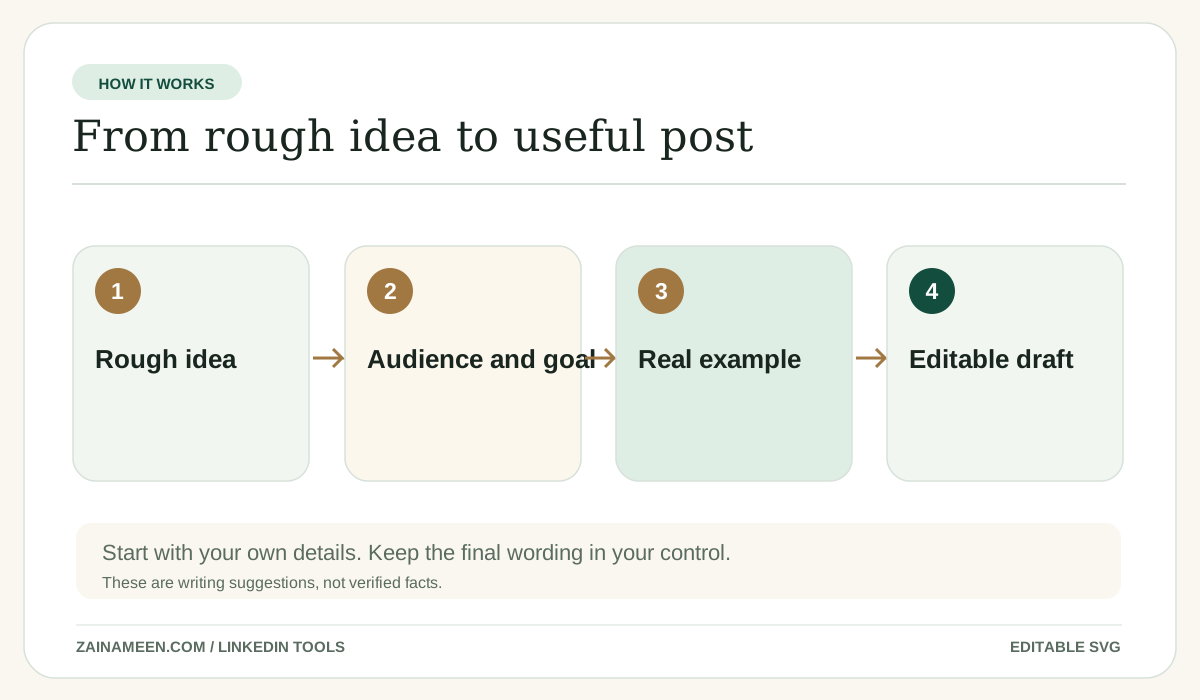
How to use the free LinkedIn Post Generator
- Step 1
Choose the right goal
Pick the profile type, audience or use case so the result fits what you are trying to do.
- Step 2
Add the details you know
Required facts are clearly marked. Anything else is optional, but a real example usually improves the output.
- Step 3
Review and copy
Read the post, make it sound like you and check the facts before adding it to LinkedIn. Not right yet? Refine it or try another version.
Your result
What you get from the post tool
- One strong draft built around a single clear idea, using only the details you gave.
- An editable post with a live count against your chosen length and LinkedIn's 3,000 character limit.
- An illustrative feed preview. The real "see more" point varies by device.
- One click refinements: shorter, more natural or simpler words, or a whole new version.

The practical guide
What is a LinkedIn post generator?
It turns a topic, a rough note or a real experience into a first draft for LinkedIn. You should still decide whether the point is true, helpful and worth sharing. AI makes writing easier; it cannot supply a personal experience you never had.
Guide
How to write a LinkedIn post people want to read
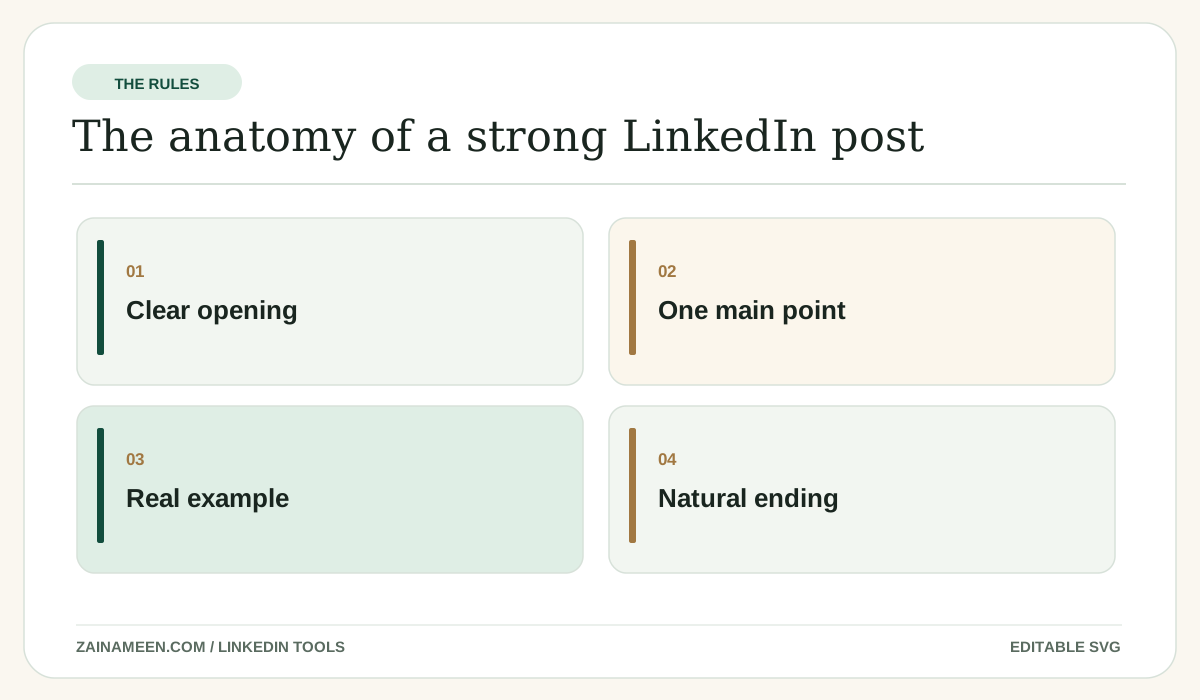
Start with one specific idea. Give people the context they need and an example that helps them understand. End when the point is made. A question is optional, not a tax on every post.
Guide
How long can a LinkedIn post be?
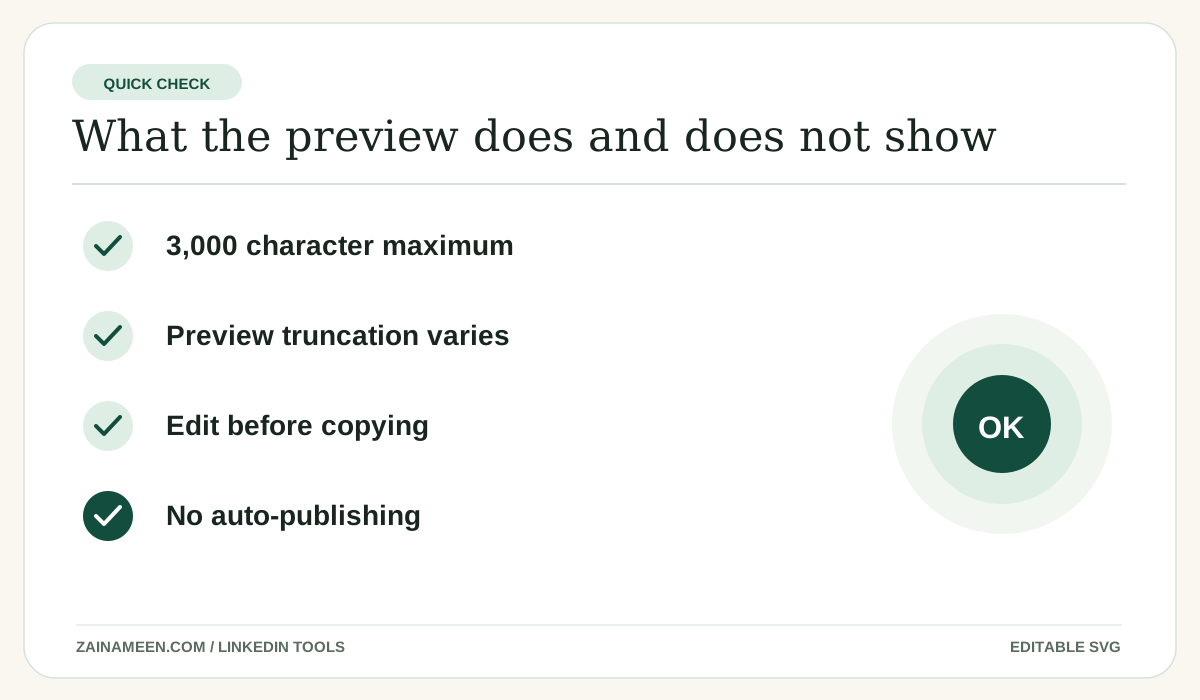
LinkedIn supports up to 3,000 characters in a standard post (see LinkedIn Help). That is a maximum, not a target. Keep the important idea near the beginning because feed previews truncate differently by device and placement.
Guide
One idea, three formats
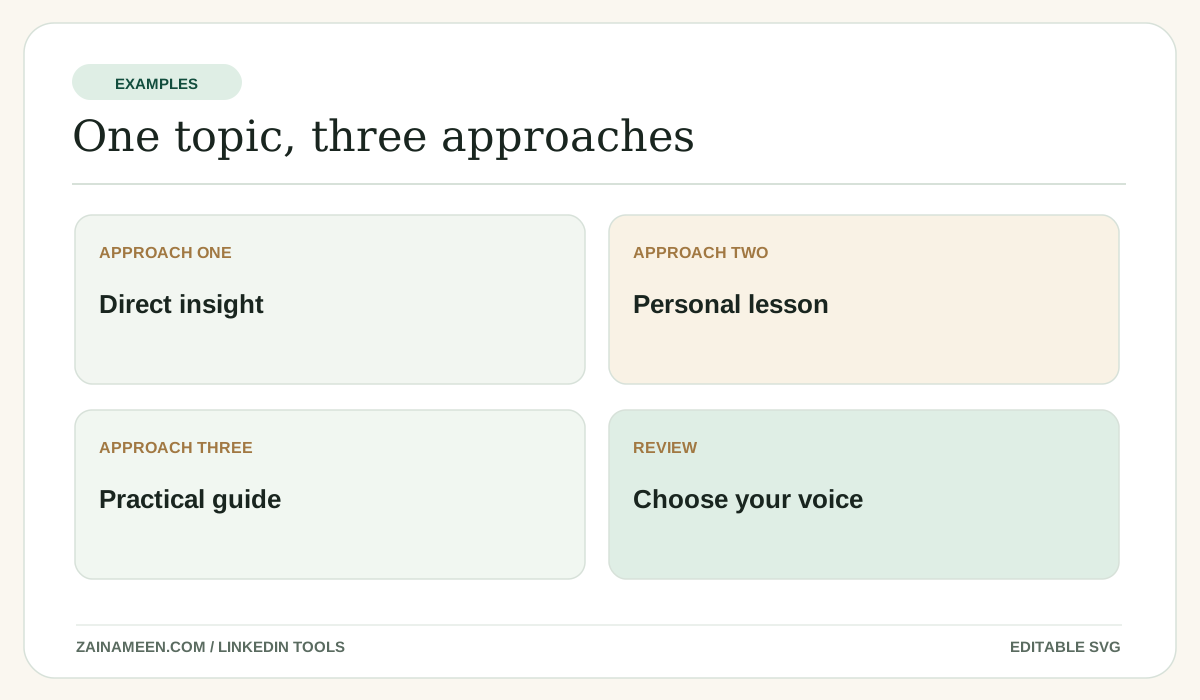
Idea: a small SaaS team kept publishing new pages while old pages stopped converting. Short insight: more pages will not fix a confusing product page. Story: we reviewed our lowest converting pages before creating anything new. Practical guide: audit traffic, search intent and the conversion path, then prioritize. Pick the format in the form; if the first draft isn't right, try another version.
Guide
LinkedIn post hooks that do not sound like AI
A good first line tells readers what the post is about or offers a useful tension. Try an observation, a lesson, a mistake or a concrete question. Skip formulas such as “Here is the harsh truth” if they do not match your voice.
Guide
Writing LinkedIn posts for different goals
A founder announcing a product should state what changed and who it helps. A job seeker sharing a project should say what they built and what they learned. A company Page should give readers relevant context instead of using a press release tone.
Guide
Should you use hashtags, emojis and links?
Use them only when they help the reader. Do not repeat a list of trendy hashtags or add emojis by default. Verify the destination of every link, and do not believe promises that putting a link in a comment boosts reach.
Guide
Can AI write posts in your voice?
Only if it has examples of how you actually write. Add real details in “Make it more personal” and edit the draft into your own words. This tool never reads your LinkedIn profile or posts.
Examples to copy and adapt
Examples you can learn from
These examples are illustrative, not claims about any real person.
Personal insight
I used to think more content would fix slow growth. It turned out the existing pages needed clearer next steps.
Practical tip
Before writing another post, ask: Who needs this? What will they learn? What example makes it useful?
Founder update
We simplified onboarding this week. Fewer fields, clearer instructions and one less place to get stuck.
Common mistakes
Mistakes to avoid
Trying to sound impressive instead of clear
Use language a real reader would understand.
Letting AI add details you never provided
Review every job title, project and statistic, especially when you paste a resume or job listing.
Writing for the character limit instead of the reader
Short enough to be understood is more important than filling the entire field.
Treating a draft as something already published
This tool generates text. A human chooses what to post or add to LinkedIn.
Questions, answered