
Free LinkedIn tools
Free LinkedIn Experience Description Generator
Free LinkedIn experience description generator for showing what you actually did. Share your role and a few rough notes, and get a clear job description you can paste into your Experience section, without turning every responsibility into a made up success story.
Your words, your facts
Which role are you describing?
Required fields are marked. Everything else is optional, but one real detail makes a big difference.
Three steps
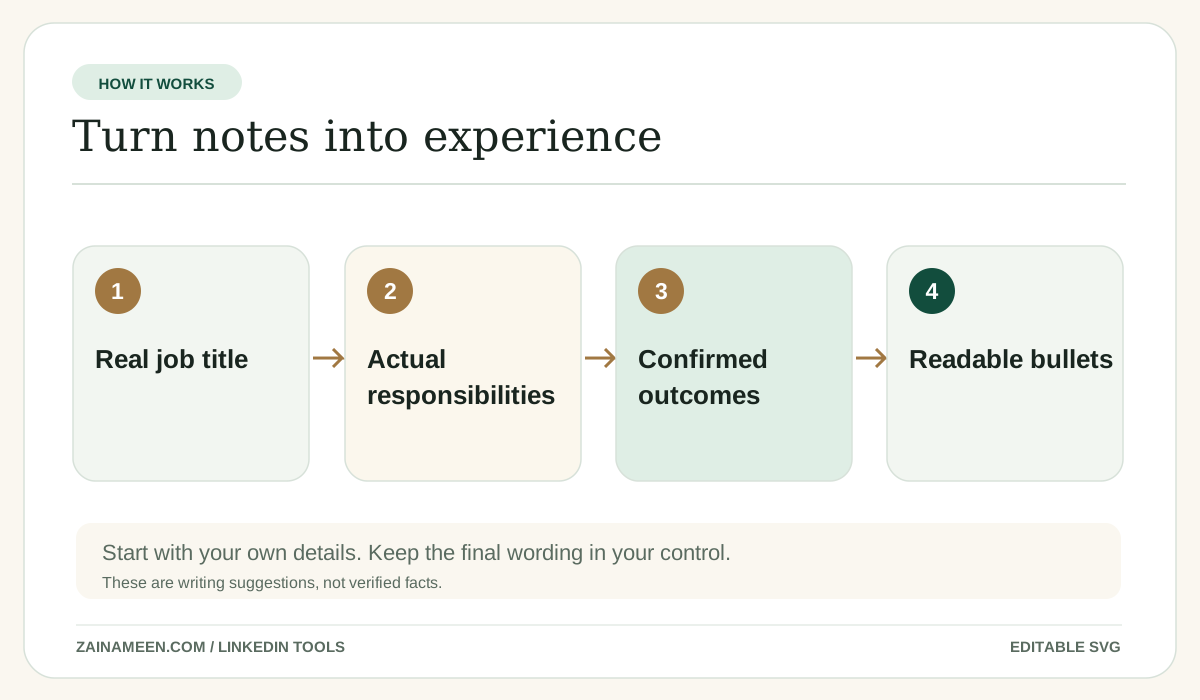
How to use the free LinkedIn Experience Description Generator
- Step 1
Choose the right goal
Pick the profile type, audience or use case so the result fits what you are trying to do.
- Step 2
Add the details you know
Required facts are clearly marked. Anything else is optional, but a real example usually improves the output.
- Step 3
Review and copy
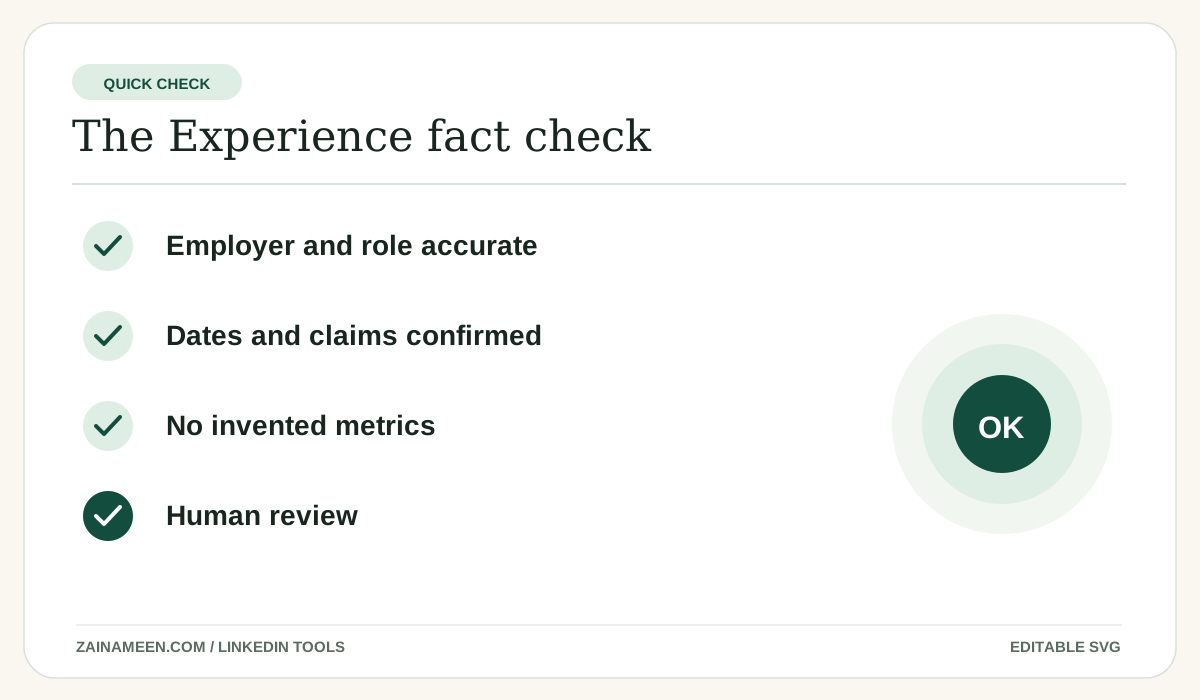
Read the description, make it sound like you and check the facts before adding it to LinkedIn. Not right yet? Refine it or try another version.
Your result
What you get from the description tool
- One description for the role, as bullets, a short paragraph or both.
- Every line built from your own notes. Results appear only if you gave them.
- A live count with a conservative 2,000 character cap.
- A pasted job posting is used for wording only, never as proof of what you did.

The practical guide
What belongs in the LinkedIn Experience section?
A role description should show your responsibilities, scope and results. Explain the work in terms someone outside your company can understand. Avoid copying your job posting word for word.
Guide
How to write strong experience bullets
Start with a real action. Name the task or project. Add context and a result when you know it. If you do not have a number, describe the work accurately without inserting a placeholder that looks like a claim.
Guide
Responsibilities versus achievements
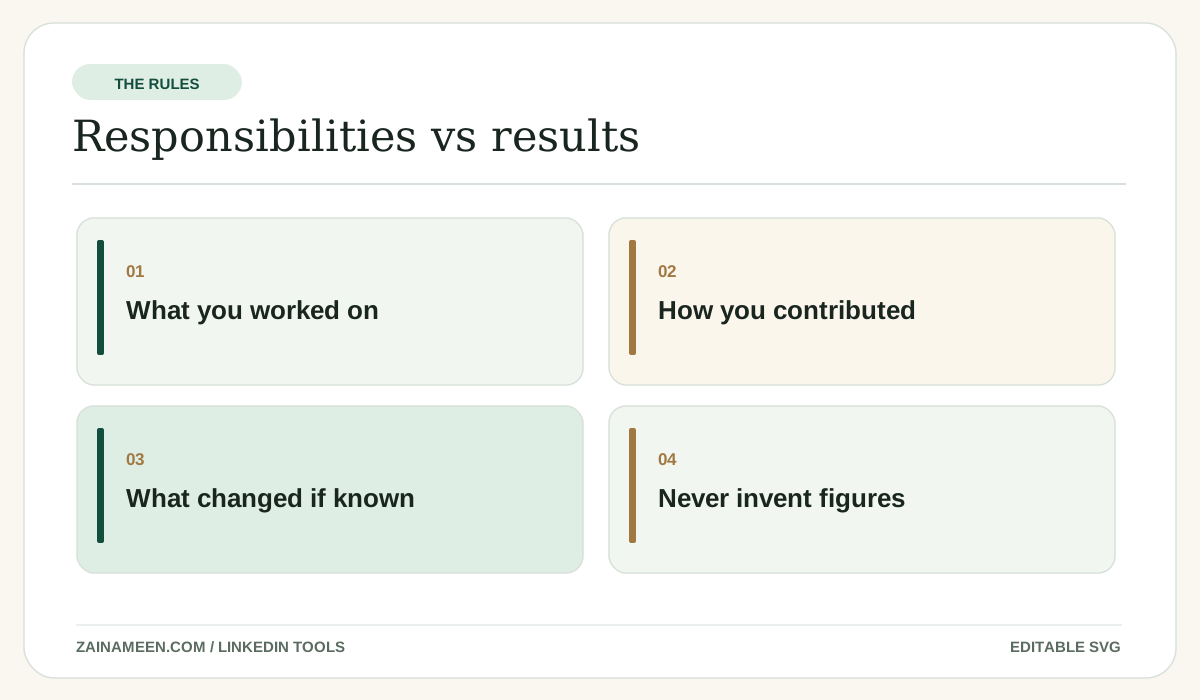
Responsibility: managed weekly email campaigns. Achievement: improved click through rate by 18% after rebuilding the segments, but only if that number is real. Both types of details are useful when accurate.
Guide
LinkedIn experience description examples
Before: “Worked on social media.” After: “Planned weekly content across LinkedIn and Facebook, coordinated design briefs and reviewed post performance.” This adds specificity without claiming fake revenue.
Guide
How to write LinkedIn experience as a student
Include internship assignments, relevant project work and the tools you used. Do not invent an employment history. Explain your contribution to group projects honestly.
Guide
How to describe independent and founder work
Show the kind of clients or projects, the deliverables and how you worked. You do not need to pretend you ran a large team if you worked on your own.
Guide
How long can a LinkedIn experience description be?
Many outside guides report a 2,000 character editor limit for each role, but LinkedIn's official help is not as explicit. This tool uses 2,000 as a conservative cap; your LinkedIn editor is the final check.
Guide
Job summary versus a job posting
This tool writes a description of work you personally performed. It does not create a hiring advertisement or claim you held a role listed in a vacancy.
Examples to copy and adapt
Examples you can learn from
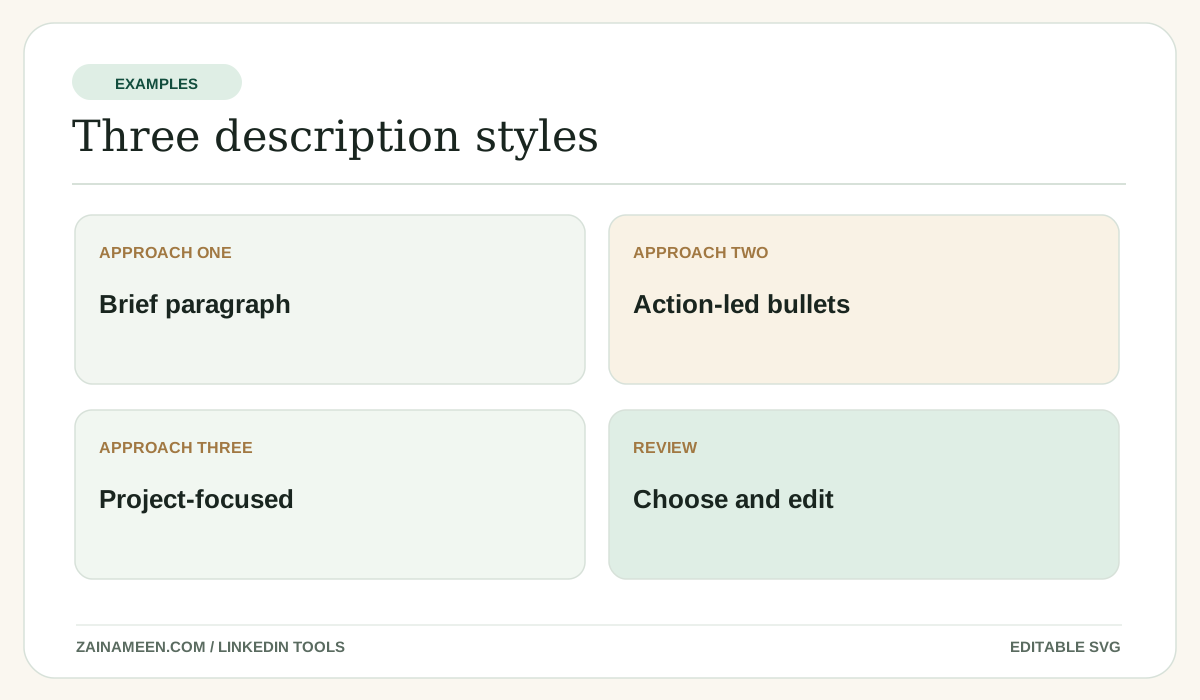
These examples are illustrative, not claims about any real person.
Marketing role
Planned social posts for multiple channels and reviewed weekly analytics to identify which topics generated useful conversations.
Data analyst internship
Cleaned spreadsheet datasets, built dashboard views and documented reporting steps for the team.
Independent consultant
Managed client research, scoped deliverables and created SEO content briefs for small businesses.
Common mistakes
Mistakes to avoid
Trying to sound impressive instead of clear
Use language a real reader would understand.
Letting AI add details you never provided
Review every job title, project and statistic, especially when you paste a resume or job listing.
Writing for the character limit instead of the reader
Short enough to be understood is more important than filling the entire field.
Treating a draft as something already published
This tool generates text. A human chooses what to post or add to LinkedIn.
Questions, answered