
Keyword to Page Mapper (100% FREE)
This keyword to page mapper gives every keyword a sensible home. Paste your keywords and, if you like, your page list, and get a practical map showing which searches belong together and which need their own page.
Give every keyword a sensible home.
Free, no signup. What you type is sent to a free AI service to write your result and isn't stored, so only include public, non-sensitive details.
Your result shows up here. You get one result, and you can regenerate it or edit it.
How it works
How to use the Keyword to Page Mapper in three steps.
- Step 1
Enter your keywords
Add a set of related keywords, one per line.
- Step 2
Add your pages
List existing pages if you want keywords mapped to real URLs.
- Step 3
Check the map
Review the groups and compare unclear cases with real search results before building pages.
Examples
Keyword maps, in practice.
Illustrative keyword sets. The tool never adds search volumes.
Fee questions to one tool
Input: etsy fee calculator, how much are etsy seller fees, etsy transaction fee, etsy refund policy. Existing page /tools/etsy-fee-calculator. Refund policy is a different question.
ResultThe first three map to the existing calculator. etsy refund policy gets its own proposed resource.
Planning new pages
Input: crm for bakeries, bakery order tracking, wholesale bakery software, bakery invoice template. A template search wants a download, not software.
ResultProposed: a bakery CRM page, and a separate invoice template page.
Possible overlap
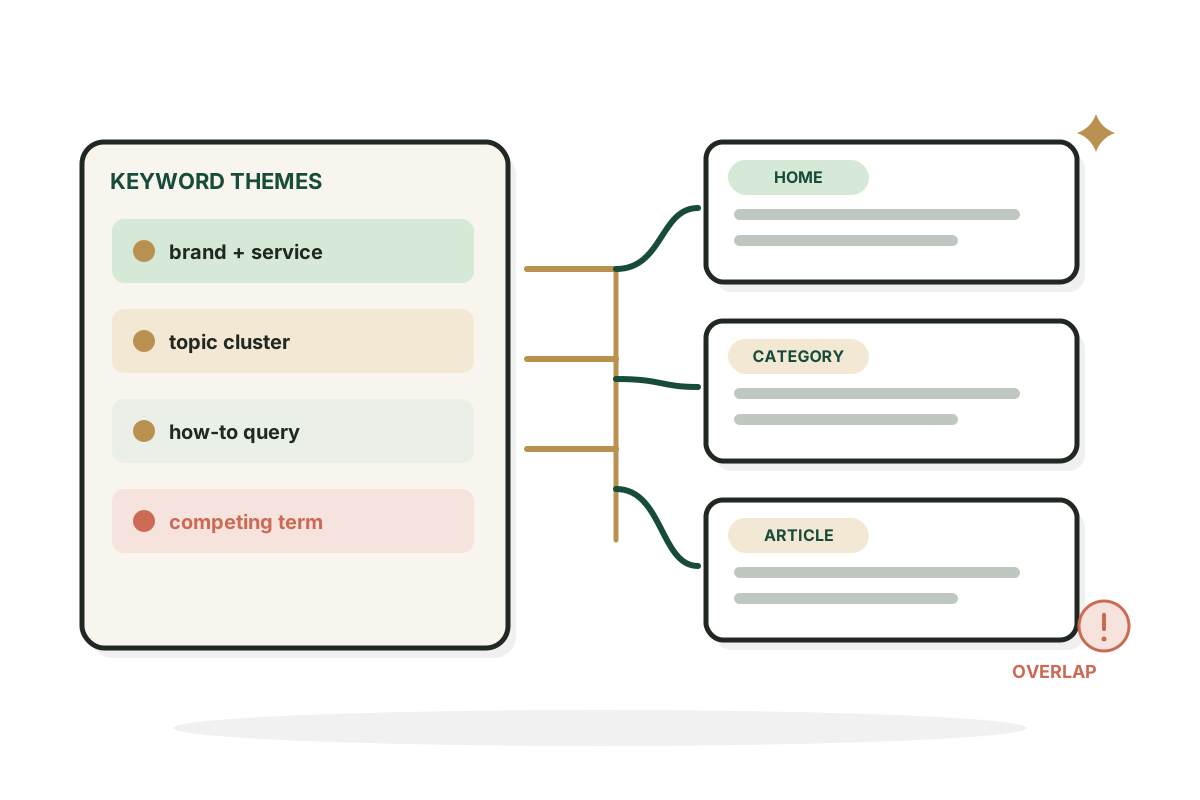
Input: Two existing pages both titled around email marketing tips. Nothing is deleted or merged automatically.
ResultOverlap warning on both, for you to review.
Good to know
Keyword maps are plans.
Keyword maps are planning documents
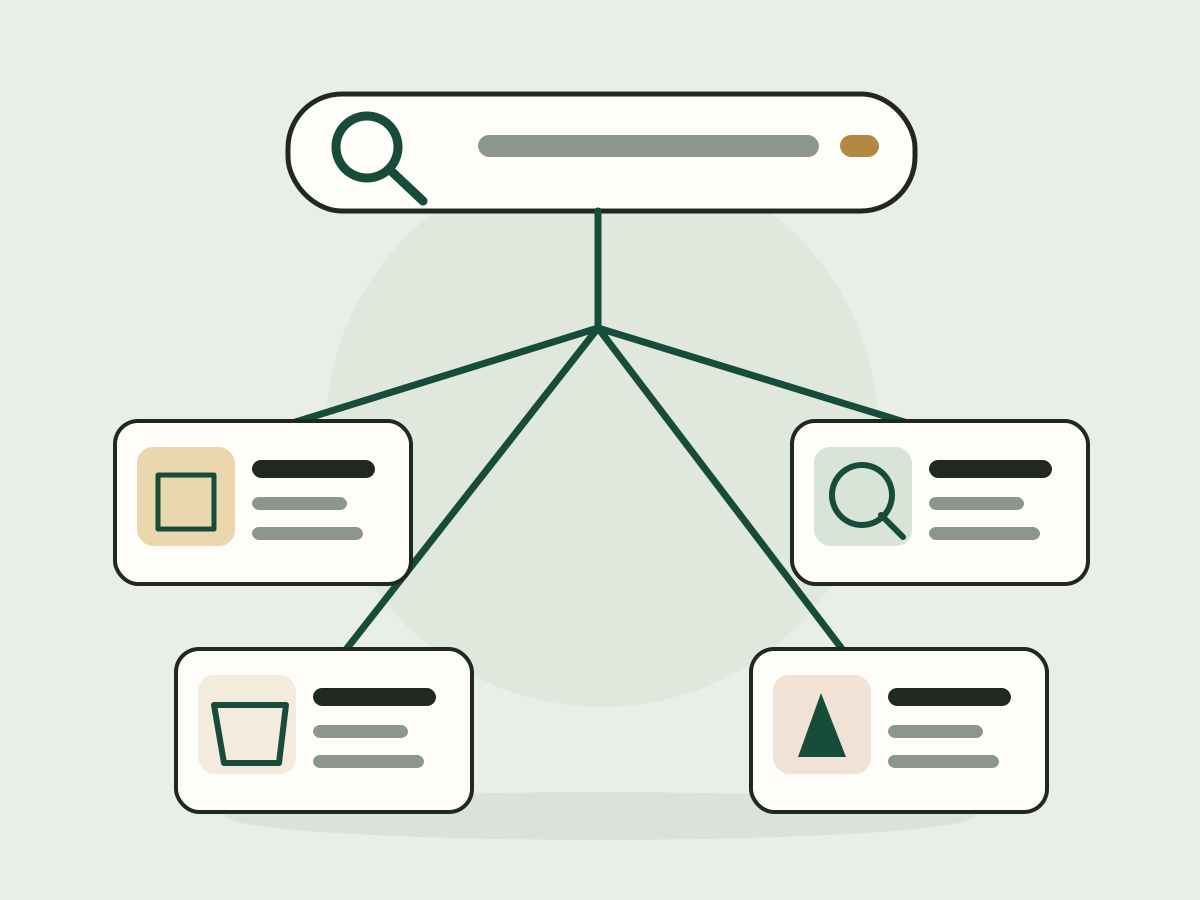
A map helps you avoid a thin page for every small keyword variation. Similar searches can share one useful page when the intent and the content needed overlap. An AI can suggest groupings, but looking at real results may change them.
Prevent duplicate intent
If two existing pages target nearly the same search, flag it for review instead of deleting or canonicalizing either one. Different audiences or intents can justify both.
FAQ
Questions, answered.
What is keyword mapping?
Assigning keywords and the intent behind them to the pages best suited to answer them.
Should every keyword have its own page?
No. Closely related searches often work best on one thorough page.
Can I map keywords to existing pages?
Yes. Add their URLs and titles and the tool will only use those URLs.
Does the tool measure search volume?
No. It uses your keyword text only and doesn't do live keyword research.
What is keyword cannibalization?
When your own pages compete for similar searches. The tool flags possible cases for you to review.
Will this map guarantee rankings?
No. It's a content planning aid, not a ranking forecast.
Need a keyword plan that holds up?
I build SEO strategies for SaaS teams that turn searches into signups.
See SEO services