
JSON-LD Schema Validator (100% FREE)
This json-ld schema validator checks your structured data before you publish it. Paste JSON-LD or HTML with schema scripts to find syntax problems, missing common properties and details to review, without uploading your code.
Check your structured data before publishing it.
Free, no signup. Runs in your browser, nothing is sent anywhere.
Paste your structured data and press Validate JSON-LD.
How it works
How to use the JSON-LD Schema Validator in three steps.
- Step 1
Paste your code
Paste the JSON-LD, or the HTML that contains it, from your page.
- Step 2
Read errors and warnings
Errors break the markup. Warnings are worth reviewing.
- Step 3
Fix and confirm
Fix mistakes, then confirm eligibility with Google's Rich Results Test.
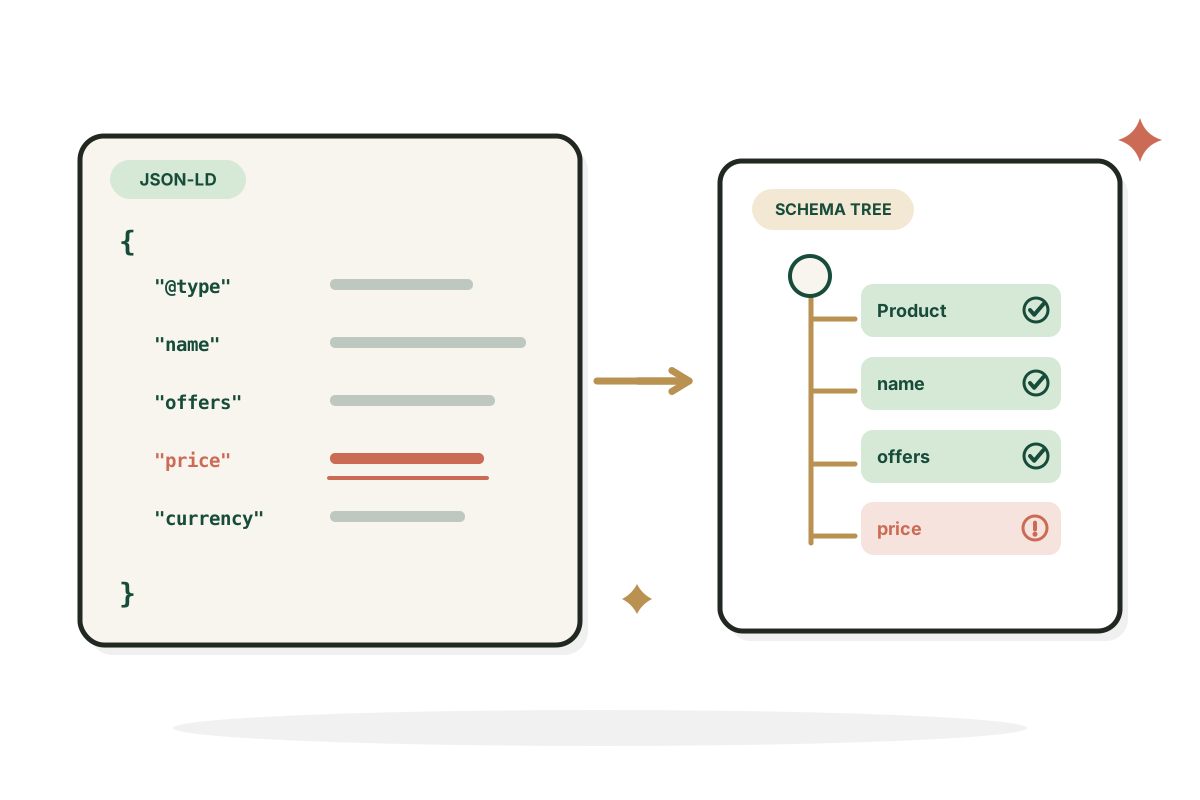
Examples
Validation results, in plain words.
Illustrative snippets and what the validator reports.
A minimal product
Input: { "@context": "https://schema.org", "@type": "Product", "name": "Desk Mat" } Fine as basic markup, but not enough for merchant listings.
ResultValid JSON, type Product. Warnings: no image or offers.
A trailing comma
Input: A LocalBusiness block with a comma after the last property. One stray comma makes the whole block unreadable.
ResultError: invalid JSON, with the line and column.
Several blocks on one page
Input: HTML with an Organization script and a BreadcrumbList script. Pages often carry more than one schema block.
Result2 blocks found, each checked separately.
Good to know
What validation can tell you.
Syntax versus rich result eligibility
A JSON-LD block can be valid JSON while breaking schema rules, or not qualify for a Google feature. This tool checks syntax and selected documented rules. Google's Rich Results Test is the authority on Google's supported rich result types.
Do not add facts only to satisfy a test
If your page has no genuine reviews, ratings, prices or availability, don't make those fields up. Structured data should match what visitors can see on the page.
FAQ
Questions, answered.
What is JSON-LD?
A JSON format commonly used to describe structured data on a web page.
Does valid JSON mean valid schema?
No. Syntax, schema vocabulary and Google's feature rules are three different tests.
Does schema markup guarantee a rich result?
No. Search engines decide eligibility and display using several factors.
Can I validate multiple blocks?
Yes, including separate scripts and @graph nodes, within reasonable size limits.
Should I add fake ratings when the tool warns about ratings?
Never. Leave unsupported fields out and only use genuine, visible information.
Will this tool modify my website?
No. It reads what you paste and lists findings. Nothing is changed or sent anywhere.



Want rich results that actually show?
I set up structured data and technical SEO that search engines can use.
See SEO services