
Changelog Entry Generator (100% FREE)
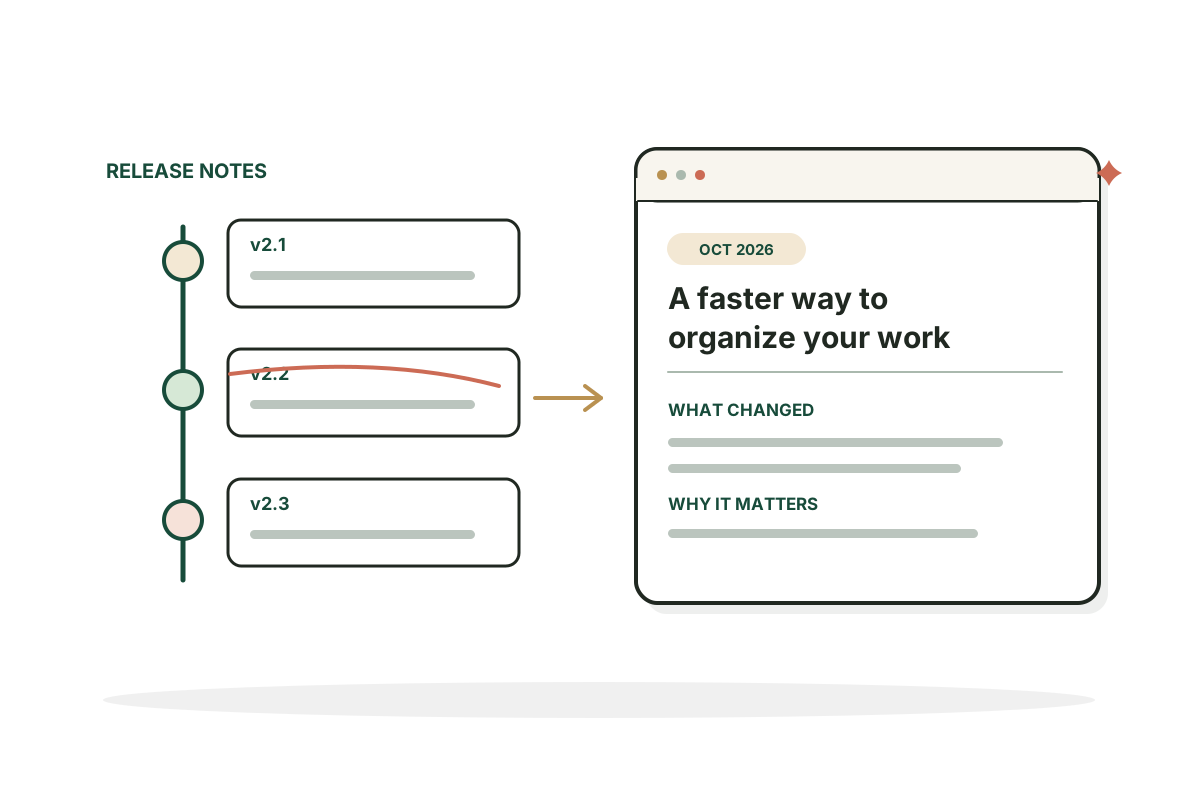
This changelog entry generator takes what shipped and who it helps, then writes one changelog entry ready to review, edit and publish.
Turn product changes into updates people can understand.
Free, no signup. What you type is sent to an AI provider to write your result and isn't stored, so don't include anything private. Don't paste private issue trackers or security details.
Your result shows up here. You get one result, and you can regenerate it or edit it.
How it works
How to use the Changelog Entry Generator in three steps.
- Step 1
Summarize the change
Describe what actually shipped without confidential details.
- Step 2
Choose the type
Pick whether it's new, improved, fixed or removed.
- Step 3
Check before publishing
Confirm the release date and availability.
Examples
Changelog entries, written out.
Illustrative changes and results. Your output will depend on what you enter.
A new export
Input: "Added CSV export to keyword groups", new, SEO marketers, live for all. Explains what users can now do, not what the code changed.
ResultTitle "Export Keyword Clusters as CSV". Summary "Keyword groups can now be downloaded as CSV files, making it easier to review and organize them in a spreadsheet."
A bug fix
Input: "Fixed timezone bug in scheduled reports", fixed, account admins, live for all. Describes the problem that no longer happens.
ResultTitle "Scheduled Reports Now Send at the Right Time". Summary "Reports scheduled in a timezone other than UTC were arriving an hour early or late. They now send at the time you set."
A beta feature
Input: "Team comments on dashboards", new, Pro plan only, beta. States plan limits and beta status instead of saying it's for everyone.
ResultTitle "Comment on Dashboards (Beta)". Summary "Pro plan teams can now leave comments on dashboards. This feature is in beta, so let us know what works and what doesn't."
Good to know
Writing a changelog people read.
Write for users, not the code repository
A commit message might say "refactor query handler". A useful changelog explains what someone can now do or what problem no longer happens. Small technical changes can be combined into one meaningful release.
Accuracy builds trust
Don't say "available to everyone" for a beta feature. Don't invent dates or screenshots. If a feature needs user action or is limited to some plans, say so.
FAQ
Questions, answered.
What is a changelog?
A dated record of meaningful changes to a product or website, written so users understand what's different.
What belongs in a changelog?
New features, material improvements, important fixes, availability changes and significant removals.
Are release notes the same as a changelog?
They overlap. Release notes summarize a version; a changelog is an ongoing history.
Should every bug fix get its own page?
Not necessarily. Group minor fixes unless the impact merits its own note.
How do I write a useful product update?
Lead with the user visible change, explain who benefits, and add steps or limits.
Can this tool publish directly to my website?
No. It writes copy to review and publish in your own CMS or changelog. For an example, see our own changelog.


Shipping but not growing? Let's find out why.
I start by finding the real constraint, then fix that first.
See growth strategy