
Free SEO tool
Website Metadata Extractor (100% FREE)
This website metadata extractor shows the metadata found in a page's HTML in one place. Copy the title, description, canonical URL, robots directives, social sharing tags and main heading without hunting through page source.
Free, no signup. The public URL you enter is fetched once by our server to read its HTML. Pasted HTML stays in your browser. Nothing is stored.
Enter a public URL to see the metadata in its HTML.
How it works
How to use the Website Metadata Extractor in three steps.
- Step 1
Choose what to check
Enter a public URL, or paste HTML you're authorized to inspect.
- Step 2
Read the returned information
Review each extracted value and whether it's missing or duplicated.
- Step 3
Use the result
Copy the actual values into a content or development change request.
Examples
Metadata checks, and what they mean.
Illustrative results. The tool shows exact extracted values, not judgments presented as facts.
A blog post before launch
InputA new post URL that's publicly reachable.
ResultTitle, canonical and og:image found; meta description not found.
Confirm the canonical and social preview fields, then add a description if you want control of the snippet.
A tag added by JavaScript
InputA page whose canonical is set by a client side script.
ResultCanonical: Not found.
The extractor reads the returned HTML, so tags injected later won't appear. Paste the rendered HTML to check it.
Two descriptions
InputA template that outputs the meta description twice.
ResultMeta description: two values listed.
Duplicates usually come from a theme plus a plugin. Keep one.
Good to know
Your results, explained.
Missing isn't always wrong
An empty meta description is not automatically a ranking failure. Search engines can build snippets from page content. A canonical tag is a hint, not a guarantee that Google will select that URL.
Why metadata matters
Metadata helps browsers, search engines and social platforms understand or preview a page. This is a factual inspection tool, not a generator: it shows the actual value, and whether it's missing or duplicated.
What this tool can't tell you
The extractor works on the returned HTML. Some tags may be injected after JavaScript runs, and restricted pages can't be fetched publicly. Use the paste HTML option for markup you have access to.
What to do next
Fix incorrect metadata in your site templates or publishing workflow, then fetch the page again to verify the updated HTML.
FAQ
Questions, answered.
Keep going
More free tools for the next step.


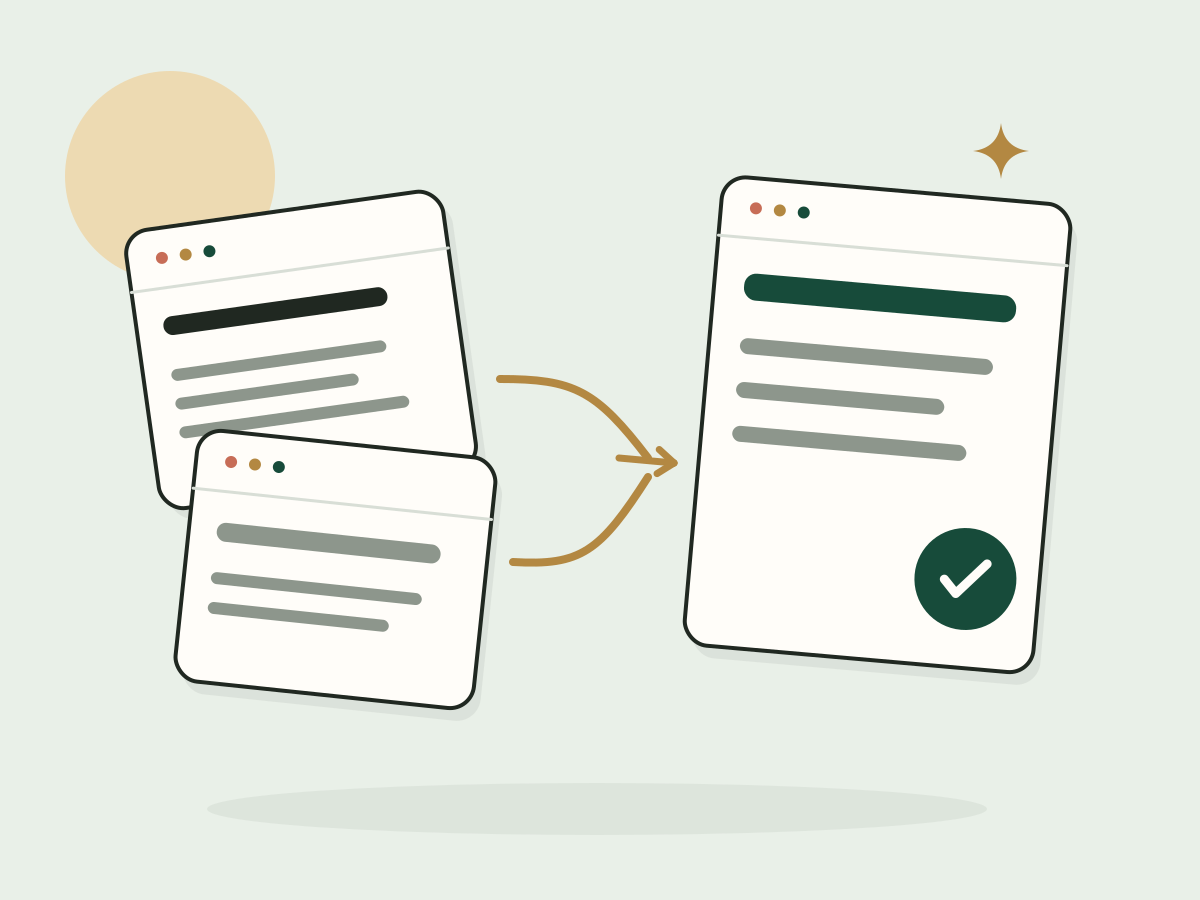
Metadata all over the place? Let's fix the templates.
I clean up the technical SEO basics so every page sends clear signals.