
Canonical URL Checker (100% FREE)
This canonical url checker finds out which URL your page asks search engines to prefer. Check a public page or paste its HTML to see the canonical tag, where it points and anything worth reviewing.
Find out which URL your page asks search engines to prefer.
Free, no signup. The public URL you enter is fetched by our server to read its response. Nothing is stored.
Enter a page URL or paste HTML to see its canonical declaration.
How it works
How to use the Canonical URL Checker in three steps.
- Step 1
Enter a URL or HTML
Enter a public page URL, or paste the page's HTML source.
- Step 2
Read the result
Review the declared canonical and the page's fetch status.
- Step 3
Fix and recheck
Fix accidental conflicts, then check the deployed page again.
Examples
Canonical checks, and what they mean.
Illustrative results. Each finding is labelled as observed, inferred or not checked.
A tracking parameter
Input: Requested /products/mat?utm_source=ig, canonical /products/mat. This is usually intentional and fine.
ResultCanonical points to the clean product URL.
A product pointing home
Input: Requested /products/lamp, canonical https://example.com/. Often a template mistake that hides the product from search.
ResultWarning: canonical points to a different page, the homepage.
Two canonical tags
Input: Pasted HTML with two rel=canonical links to different URLs. Search engines may ignore both when they disagree.
ResultWarning: conflicting canonicals found.
Good to know
Canonical tags, explained.
Canonical URL basics
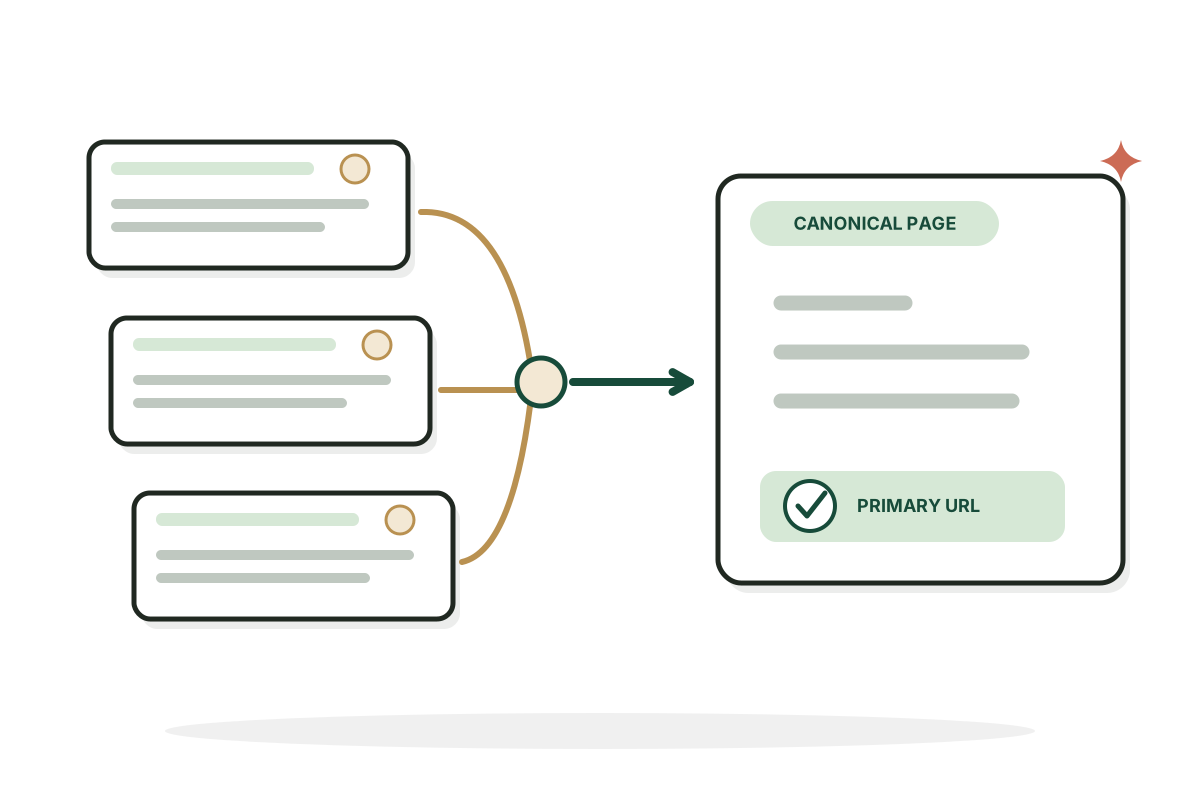
The canonical tag is a preference signal that helps search engines consolidate duplicate or very similar pages. Google may pick a different canonical based on other signals. A self referencing tag is often sensible on original pages, but not required on every site.
When canonical problems matter
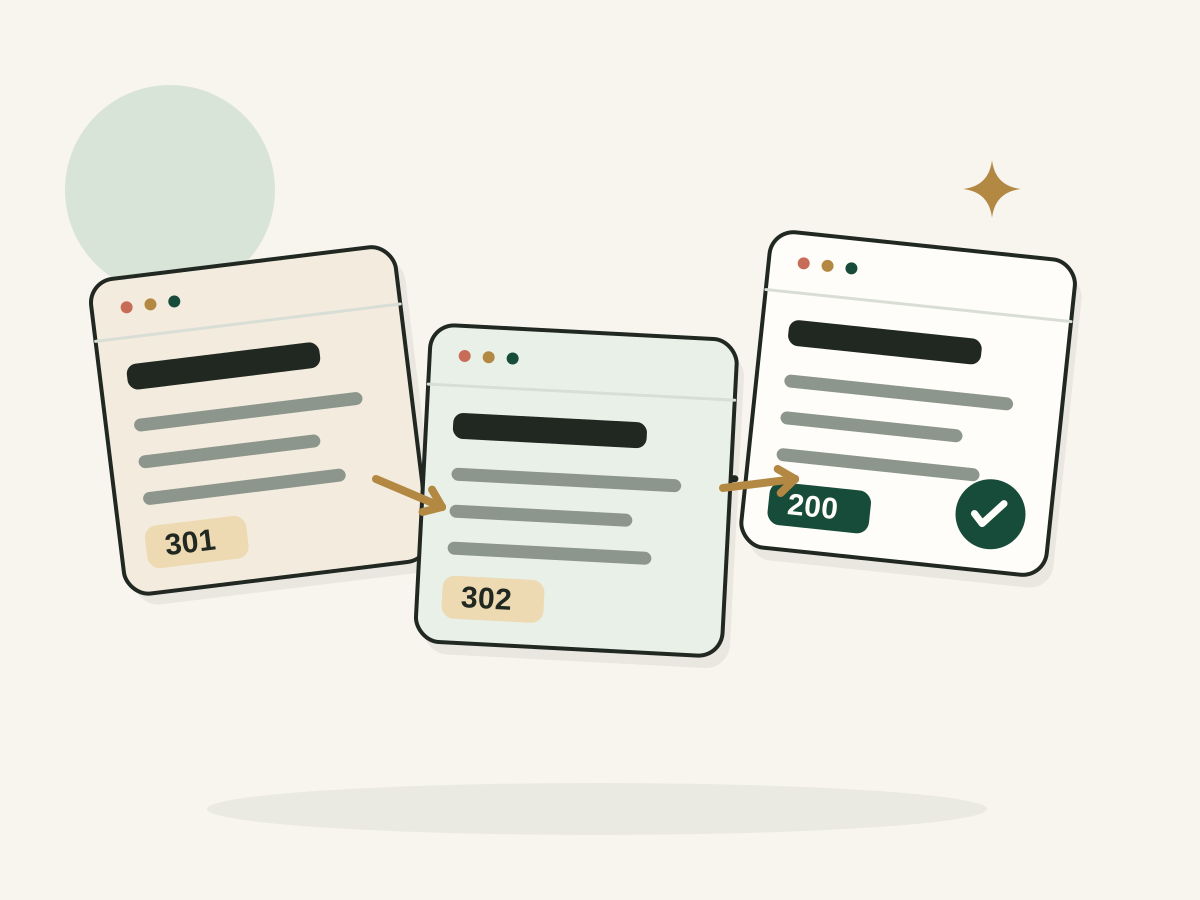
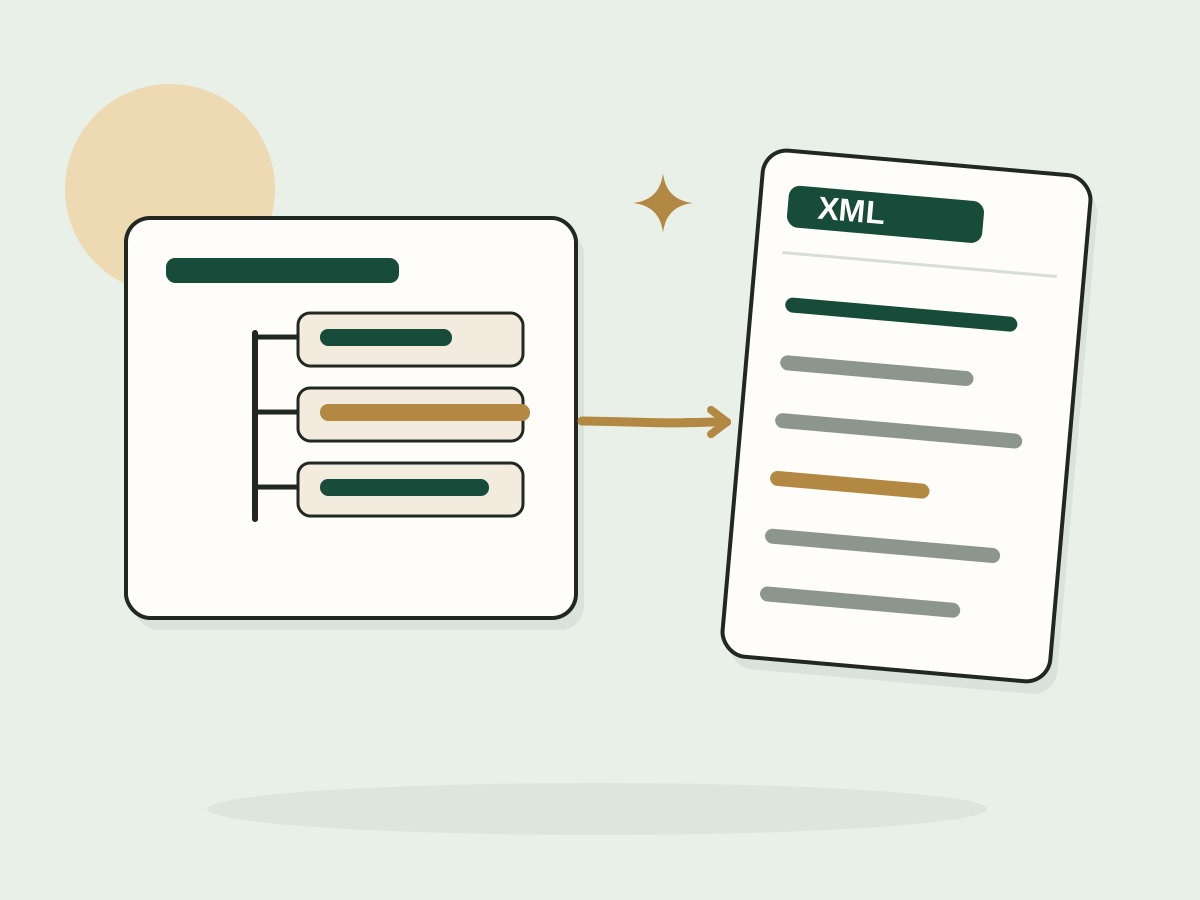
Look closer when a valuable product page points to the homepage, pagination points to the wrong page, HTTP and HTTPS versions disagree, or a canonical target redirects. Keep internal links and sitemaps aligned with your intended canonical URLs.
FAQ
Questions, answered.
What is a canonical tag?
An HTML rel="canonical" link that names the preferred URL among duplicates or very similar pages.
Does Google always follow it?
No. Google combines it with other signals and can choose a different URL.
Should every page have a self canonical?
It's often recommended, but check your framework and duplicate URL setup rather than adding one blindly.
Can a canonical point to a different domain?
Yes. That can be right for syndicated content, but it deserves careful checking.
Are canonical and noindex the same?
No. Noindex asks for a page to be left out of the index. Canonical says which version you prefer.
Can this tool tell me Google's selected canonical?
No. It checks the signals on the page, not Search Console's indexing decisions.
Duplicate pages competing? Let's clean it up.
I fix the technical SEO issues that split rankings across duplicate URLs.
See SEO services