
Free SEO tools
Free SEO tools for the work you actually need to do.
Free SEO tools to find keyword ideas, check your pages, fix links and sitemaps, and make better decisions with data you can examine. No complicated dashboard required to get started.
Some tools run in your browser. Others fetch a public page or use a free data source with a monthly allowance. Each tool says what it checks, where its data comes from and its current limits.
Find the right keywords
Start with a topic. Explore longer phrases and questions, then use clustering and keyword to page mapping to turn useful ideas into a plan.
SEO Keyword Cluster Generator
Group a keyword list into topics and page types, move keywords around, and export the plan as CSV.
Cluster keywords
Search Intent Classifier
Classify keywords by search intent and see which page type fits each one, in one exportable table.
Classify search intent
Keyword to Page Mapper
Map keywords to existing or planned pages, with page types and overlap warnings.
Map keywords
Local SEO Keyword Modifier Generator
Combine your services and real locations with local modifiers, grouped and exportable as CSV.
Generate local keyword ideas
Check your website
Review page titles, metadata, indexing directives, links, sitemaps and real user performance. See the issue and the evidence, not just a generic grade.
Website SEO Checker
Check one page's title, description, headings, canonical and indexing directives, with evidence.
Check a pageWebsite Audit Tool
Crawl up to 15 pages of a site to find errors, duplicates and missing tags.
Audit a websiteWebsite Metadata Extractor
Pull a page's title, description, canonical, robots and social tags from its HTML.
Extract metadataBroken Link Checker
Test the links on a page and see which ones fail, with status and anchor text.
Check links
Canonical URL Checker
See a page's canonical tag, where it points and any duplicate or conflicting signals.
Check a canonical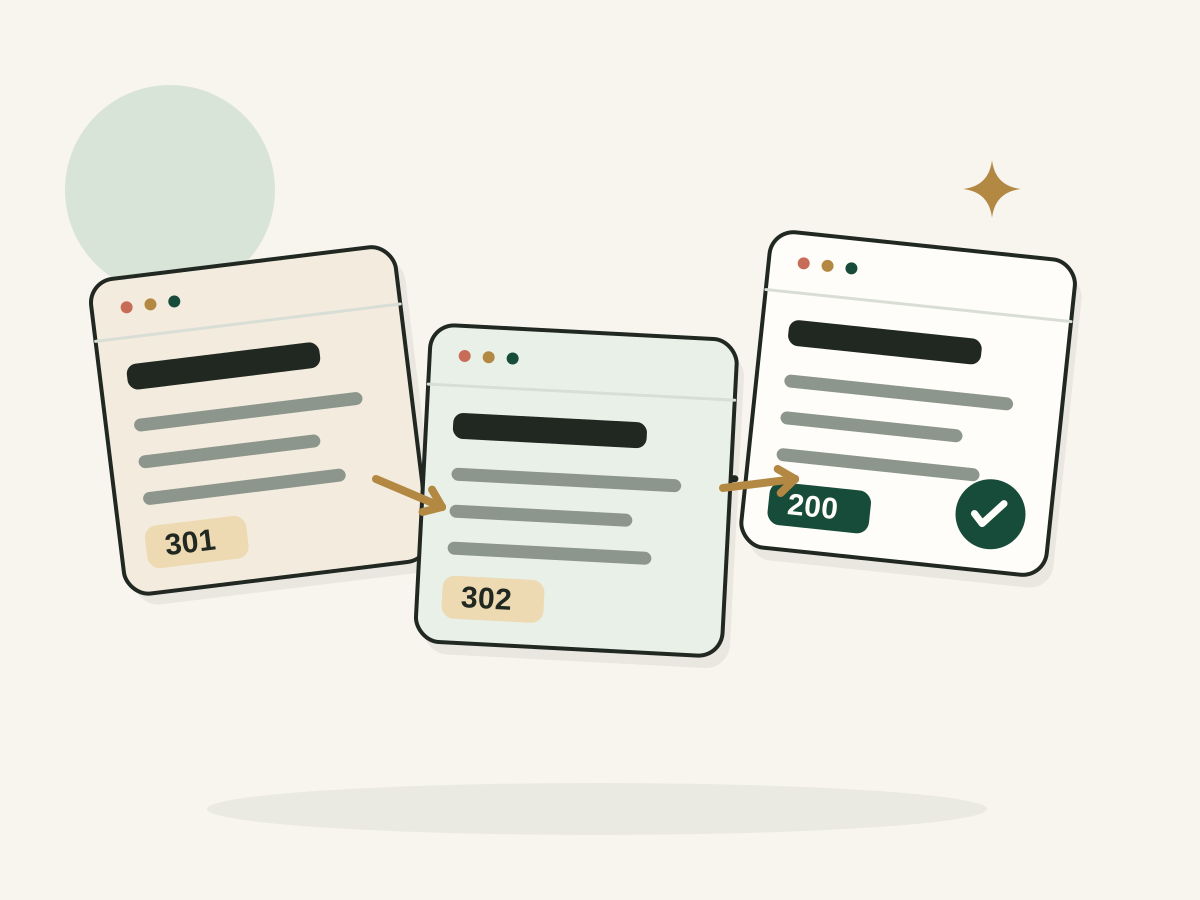
Redirect Chain Checker
Trace every redirect hop to the final URL and spot loops, long chains and broken targets.
Check redirectsSitemap URL Status Checker
Test the URLs in your XML sitemap for errors, redirects, noindex and stray canonicals.
Audit a sitemap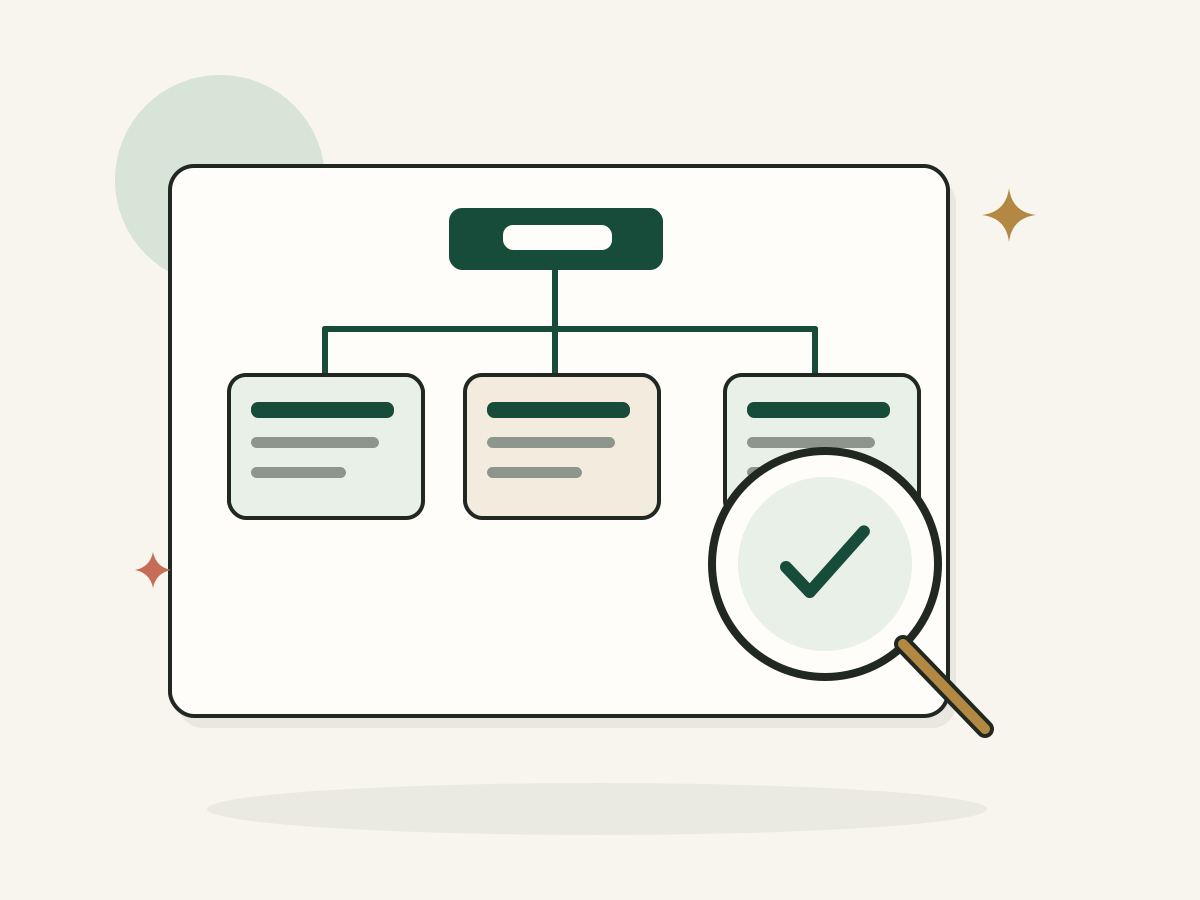
XML Sitemap Validator
Check an XML sitemap for parse errors, duplicate URLs, bad dates and size limits.
Validate a sitemap
Robots.txt Tester
Check whether robots.txt lets a crawler request a URL, and see exactly which rule decides it.
Test robots.txt
JSON-LD Schema Validator
Check JSON-LD for valid JSON, schema types and common missing fields, right in your browser.
Validate JSON-LD
Write and plan pages
Draft titles and descriptions, plan content around real questions, and fill the gaps between what you have and what searchers need.
SEO Title Generator
Write search friendly page titles that reflect your content, target keyword, and search intent.
Write SEO titles
Meta Description Generator
Create concise meta descriptions that summarize your pages and give searchers a reason to visit.
Write meta descriptions
SEO Content Brief Generator
Get a structured SEO content brief with an outline, research questions and the evidence still needed.
Create a brief
SEO Content Gap Planner
Compare your topics with audience questions or public competitor titles and get a prioritized gap plan.
Plan content gaps
Internal Link Opportunity Finder
Find relevant internal link ideas from your page titles and topics, with anchor themes to review.
Find internal links
Local Service Page Outline Generator
Plan one useful local service page from your real service, area and process.
Create a page outline
Build technical files
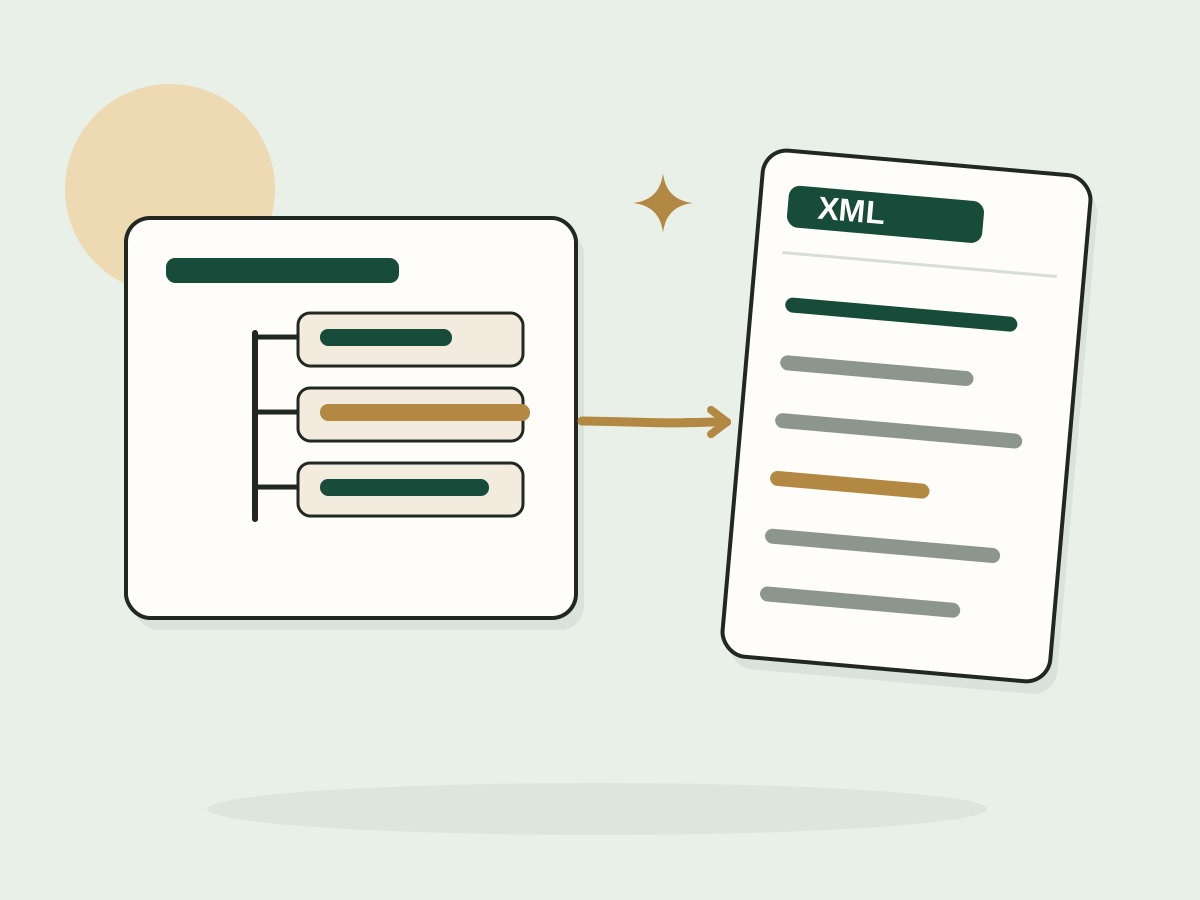
Generate the files and tags search engines read: sitemaps, robots.txt, hreflang, structured data and social previews.
XML Sitemap Generator
Turn a list of URLs or a CSV into a valid sitemap.xml, with duplicates and off domain URLs flagged.
Generate a sitemap
Robots.txt Generator
Build a clean robots.txt file with allowed and blocked paths, a sitemap line and a plain explanation of each rule.
Generate robots.txt
Hreflang Tag Generator
Create reciprocal hreflang tags for your translated pages, with x-default and sitemap export.
Generate hreflang tags
Product Schema Generator
Generate Product JSON-LD from your real product details, with no invented ratings or prices.
Generate Product schema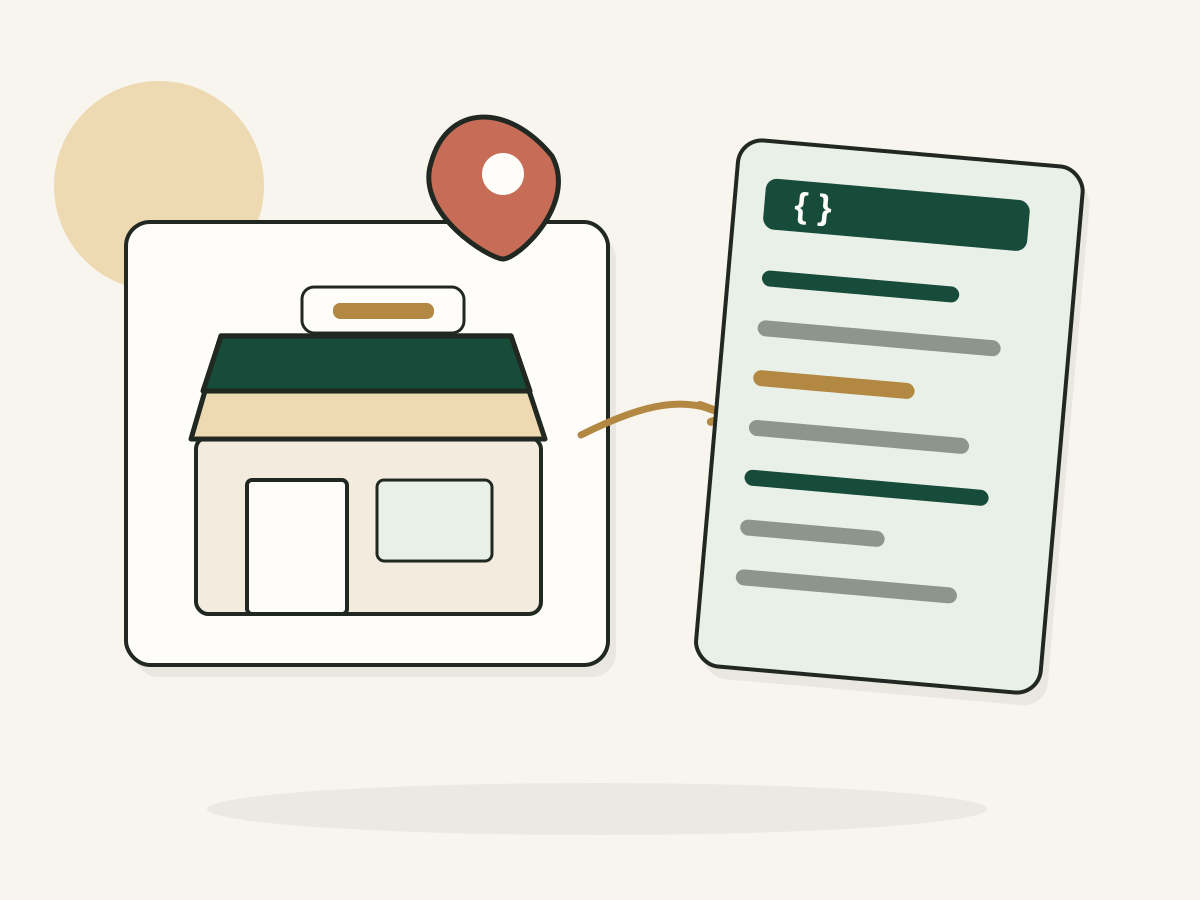
Local Business Schema Generator
Generate LocalBusiness JSON-LD from your real business details, address and opening hours.
Generate schema
Open Graph Tags Generator
Create Open Graph and X card tags from your real title, description, URL and image.
Generate OG tags
LLMS.txt Generator
Build an llms.txt file for your site in the llmstxt.org format, then copy or download it.
Generate llms.txt
Where to start
Start with these practical SEO checks.
- Check one important page. Review its title, structure, canonical and indexing directives with the Website SEO Checker.
- Research one real customer problem. Find related searches and questions, then look at the results to see what readers expect.
- Check the evidence you own. Use Search Console to see which pages and queries already earn impressions and clicks.
- Pick one improvement. Write a better explanation, fix a broken link or make a page easier to navigate. Then measure what changes.
What makes an SEO tool useful?
A good tool tells you what it checked, where the result came from and what the result means. A keyword suggestion isn't a search volume estimate. An authority score isn't Google's own rating of your website. A page that can be crawled isn't necessarily indexed. That's why these tools label the source and check time, and show missing data as missing instead of guessing.
FAQ
Questions, answered.
Need help deciding what to fix first?
Tell me what your website does and where you're getting stuck. I can help you make sense of the findings and prioritise useful next steps.